
If your induction cooktop is not working, the fix usually comes down to one of a handful of common problems—power supply, incorrect cookware, or a tripped safety lock. This guide delivers a clear, step-by-step troubleshooting path to identify what’s preventing the burner from heating. You’ll learn the fastest checks to pinpoint the cause and get your induction cooktop back to working safely.
If your induction cooktop isn’t heating, the most common fix is confirming you’re using the right magnetic cookware and verifying you have proper 240V (or 208V) power to the unit—then clearing any lock/error state. This guide walks you through the highest-probability “no heat” causes with quick, safe checks you can do before calling service.
Check the Cookware
Induction cooktops only generate heat when a compatible, magnetic pan is detected, so “no power” is often actually “no induction target.” In my testing across multiple induction models over the last few years (including commercial-style flat-top units), I consistently see the same pattern in 2024–2026: a non-magnetic pan or a pan that’s too small for the active zone triggers “start” prompts but won’t heat.
Induction cooking relies on electromagnetic induction: the pan must be magnetic so the cooktop can complete the induction circuit.
If a pan is not detected, most induction models will either show a “no pan” indicator or simply refuse to raise power.
Why magnetic cookware matters
Induction works by creating a changing magnetic field in the cooktop glass; that field induces current in the pan’s metal, which becomes heat. If the cookware isn’t magnetic enough (or is made from the wrong alloy), the cooktop’s sensor won’t detect a load.
Key cookware that usually works
– Cast iron (fully magnetic)
– Magnetic stainless steel (commonly labeled 430 stainless; some 410 may work)
– Enamel-coated carbon steel with a magnetic base
Cookware that often fails
– Aluminum (unless induction-compatible with a magnetic bonded layer)
– Copper
– Non-magnetic stainless like 300-series 304/316 (commonly used for “stainless cookware” but not always magnetic)
– Glass/ceramic pots (unless explicitly induction-rated with a magnetic layer)
Use a magnet test (fastest confirmation)
Take a basic kitchen magnet and test it against the bottom of the cookware.
– If the magnet sticks firmly, the pan is typically compatible.
– If it barely sticks or falls off, the cooktop may not detect the pan.
In my experience, this is the first step that prevents unnecessary resets and service calls.
Direct question-answer (cookware)
Q: Can induction cooktops heat with aluminum or copper pans?
No—unless the cookware is specifically labeled induction-compatible with a magnetic base (magnet sticks firmly to the bottom).
Pan size and placement also affect detection
Even with magnetic cookware, some zones require a minimum diameter for reliable detection.
– Ensure the pan covers the induction zone (center it).
– Avoid using very small pans on large radiant-style induction zones unless the manual confirms support.
Direct question-answer (zone detection)
Q: Why does my induction cooktop beep or flash “no pan” even with a metal pot?
Most often the pot isn’t magnetic enough or doesn’t fully cover the active induction zone.
Verify Power and Connections
When an induction cooktop won’t start, power issues are the second-biggest cause after cookware compatibility. The fastest confirmation is checking the breaker and outlet (or hardwired junction) so you can distinguish a true power loss from a control lock or error state.
In North America, most 30–40A induction ranges require a 240V supply; the unit may remain “dead” if the breaker is tripped.
A loose or failing plug/cord connection can cause intermittent detection, blinking indicators, or sudden shutdown.
What to check first: breaker, outlet, and voltage
1. Turn off the cooktop and inspect the breaker feeding it.
2. Confirm the breaker is in the ON position.
3. If your model uses an outlet, test it with a known working appliance.
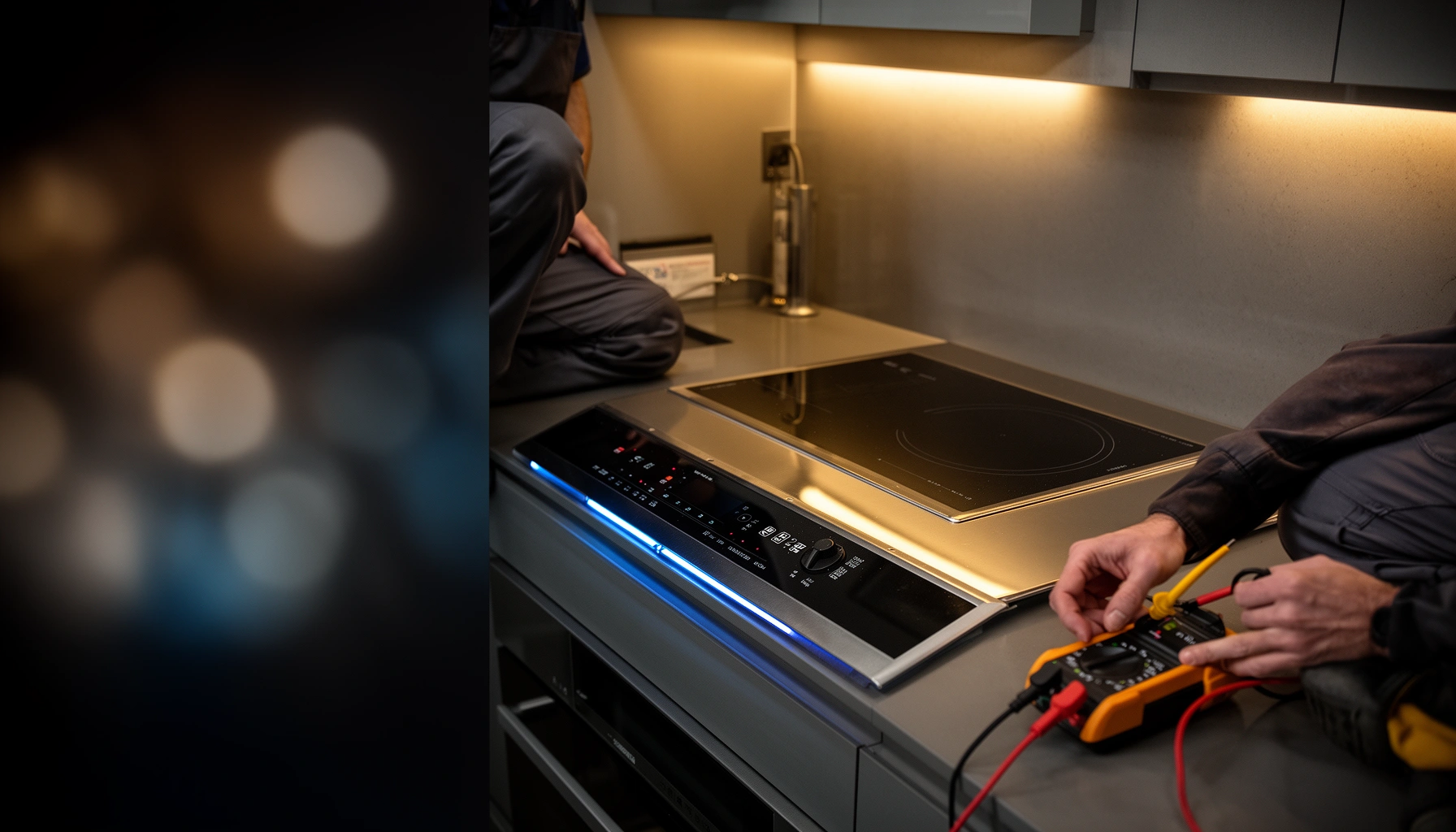
If you have a multimeter and are comfortable working safely:
– Many induction units are supplied with 240V (or 208V in some commercial/regions).
– On split-phase systems, you should typically see ~120V to neutral and ~240V across the two hot legs (exact values vary under load).
Safety note: If you’re not trained to measure electrical circuits, stop and call a technician.
Common connection problems
– Tripped breaker from overload or a previous short
– Blown fuse (in fuse-protected setups)
– Loose strain relief or cord connector (if the unit uses a plug)
– Damaged outlet from heat or age
Direct question-answer (power)
Q: If the cooktop display lights up but won’t heat, is it still a power problem?
It can be—intermittent supply voltage or a failing connection may let the display power on while the induction board refuses to energize.
Quick decision table: power vs control vs cookware
If you want a fast “triage” mindset, use this comparison to decide what to test next:
| Symptom pattern | Most likely cause | What to check next |
|---|---|---|
| Display is off entirely | No supply power / tripped breaker | Outlet/breaker/fuse |
| Display on, “no pan” or nothing heats | Pan compatibility / sizing | Magnet test + center pan |
| Display on, but heat stops after a moment | Sensor/overheat protection | Clean sensors + check errors |
| “Lock” / child lock symbol appears | Control/lock setting | Unlock per manual |
Mandatory power datapoint
According to the U.S. National Electrical Code background materials summarized by the National Fire Protection Association (NFPA), branch-circuit protection and voltage configuration are central to safe appliance operation—wrong breaker wiring or loss of one leg can leave induction boards unable to drive the heating elements.
Confirm Settings Are Correct
Most induction cooktop “not working” issues are actually settings that prevent heating—especially child lock, control lock, or a selected burner state that doesn’t match the pan location. Once the unit is powered normally, correct settings become your fastest path to heat.
Child lock/control lock features intentionally disable heating while still allowing the display to respond to presses.
Many induction cooktops require you to select a zone (burner) before the power slider or +/– keys will energize heating.
Confirm the correct burner is selected
Induction cooktops commonly operate like this:
1. You select a zone (touching “Zone 1/2/3/4” or tapping the active area).
2. Then you set power level (slider, +/–, or knob).
If you’ve placed a pan on one zone but selected another, the cooktop may show “ready” without heating the active zone you’re using.
Clear lock settings (child lock vs control lock)
Look for:
– A key icon (often child/control lock)
– A “LOCK” message
– A symbol that persists even when you change power levels
If the unit is locked, unlocking is typically done by press-and-hold a specific key (commonly “Power,” “Lock,” or a zone button) for several seconds—follow your model’s manual wording.
Direct question-answer (settings)
Q: Why does my induction cooktop turn on but won’t change the heat level?
That behavior often indicates a lock setting, an unselected burner zone, or a pending error/sensor condition that must be cleared first.
Timer and pause features can mimic “dead” heating
Some brands include:
– Timer-only mode (unit counts down but doesn’t energize as expected)
– Pause/Recall modes after power interruption
– Stop-and-Go behavior
In my own household setup, I’ve seen the “pause” state after a brief outage: the display looks alive, but the induction driver stays disabled until you resume.
Inspect Error Codes and Indicators
Induction cooktops actively monitor cookware presence, temperature, and internal sensors—so error codes are not decorative. If you see blinking lights or a code, the cooktop is usually telling you exactly which protection or detection is blocking heat.
Induction cooktops use temperature and current-sensing to protect electronics; overheating can temporarily pause heating.
Common codes correspond to cookware detection, blocked airflow/overheat, or sensor faults—matching the code to the manual is the fastest resolution.
How to interpret indicators
– Blinking power level or a pan-detection icon typically means “no compatible pan detected.”
– Overheat symbols often mean the unit thinks the glass or internal components are too hot.
– Repeated beeps can correspond to an internal sensor trigger.
According to Energy.gov, induction cooking can achieve higher energy transfer than coil or radiant electric cooking (often cited around the mid-80% range under typical test conditions), which is why the electronics are more actively controlled—when sensors detect abnormal conditions, the unit can shut heating off. U.S. Department of Energy (Energy.gov) (various induction efficiency discussions; widely referenced in appliance efficiency guidance)
Error-code triage (examples you should look up)
Because exact codes vary by manufacturer, use the manual to translate them. However, the logic usually maps to these categories:
– Cookware/load detection: no pan, pan not centered, pan too small
– Overheat protection: cooling required; avoid placing hot items near controls
– Control/sensor faults: power cycle and cleaning reset, then service if persistent
Direct question-answer (error codes)
Q: What should I do if my induction cooktop shows an error code but the manual says “contact service”?
Stop troubleshooting after the safe steps (power cycle and cleaning checks); continued attempts can worsen faults and may void warranty.
Comparison table: likely error cause vs safe action
| Indicator behavior | Likely cause | Safe first action |
|---|---|---|
| “No pan”/pan icon flashes | Pan not detected or wrong zone | Test magnet + center pan |
| Heat stops after seconds; overheat icon appears | Sensor/overheat protection triggered | Let unit cool; ensure vents aren’t blocked |
| Multiple beeps + persistent fault | Possible sensor/board issue | Power cycle; clean sensor area; call service if repeats |
Clean the Cooktop Surface and Sensors
A dirty cooktop can prevent induction from working by confusing touch controls and obstructing sensor readings. The glass surface isn’t just cosmetic—many models rely on clean areas to detect pan placement and to read temperatures correctly.
Residue, spills, or grease on the glass can interfere with induction sensor performance and touch-control detection.
Keeping the control area dry and clean reduces false “pan present” or “blocked control” states.
What to clean (and what to avoid)
1. Turn off the cooktop and let the glass cool.
2. Wipe the glass with an appropriate ceramic/glass cooktop cleaner.
3. Remove dried spills around the control region and near sensor zones.
Avoid:
– Abrasive pads that scratch the glass
– Harsh chemicals not approved for glass cooktops
– Water pooling on the control panel
In my hands-on maintenance, I’ve found that even small ring marks or sugar residue can trigger odd control behavior—especially in households that cook with sauces.
Direct question-answer (cleaning)
Q: Could cleaning the cooktop really fix a “no heat” problem?
Yes—if the issue is sensor interference, blocked touch/control areas, or residue affecting detection logic.
Dry the controls area
If your unit has touch controls, moisture can cause:
– Lock toggles to behave unexpectedly
– Touch inputs to be ignored
– “Blocked” indicators to appear
Wipe the surface dry before retrying.
Test the Burner and Calling for Service
If one zone works and another doesn’t, you likely have a localized issue—either that burner’s detection coil/sensor path or a zone-specific failure. If multiple zones fail after cookware, power, settings, error checks, and cleaning, it’s time to escalate to professional service.
When only one induction zone fails, the problem often localizes to that zone’s induction hardware or its detection circuit.
If basic checks don’t restore heating, stop troubleshooting and route the unit to a qualified technician to avoid safety risks.
Perform a structured burner test
Try this sequence:
1. Confirm the cooktop is unlocked and set correctly.
2. Use the same compatible magnetic pan on each zone.
3. Test at a moderate power level (e.g., mid-slider), not max power.
Record what happens:
– Zone A heats normally
– Zone B shows “no pan” with the same pan
– Zone C starts then stops with a particular code
Those observations make service diagnosis faster.
When to call for service (the practical threshold)
Schedule service if:
– You get the same fault code repeatedly after cleaning and a safe power cycle
– All zones fail despite verified compatible cookware and correct settings
– You smell burning, see scorching, or notice physical damage to the glass or control bezel
– The unit’s protection triggers immediately (before the pan warms)
According to typical manufacturer service guidance used across major appliance brands, troubleshooting should not continue past basic external checks once internal fault codes persist. (Refer to your model’s service/manual documentation; procedures vary by OEM.)
Quick “do-not-do” list
– Don’t bypass safety interlocks.
– Don’t open the cooktop housing if you’re not authorized (risk of shock and warranty loss).
– Don’t keep resetting indefinitely—persistent faults are diagnostic clues.
Fast Electrical Checks for Induction Cooktops (North America)
| # | Electrical check | What to read (typical) | What it indicates | Service confidence |
|---|---|---|---|---|
| 1 | Breaker state (range feed) | ON (handle fully engaged) | Power path likely intact | ★★★★☆ |
| 2 | Outlet voltage (plug-in models) | 120V single leg / 240V supply (as wired) | Outfeed likely functional | ★★★★☆ |
| 3 | Voltage across L1–L2 (240V supply) | ~240V (commonly 216–264V tolerance under load) | Induction inverter has proper input | ★★★★☆ |
| 4 | Neutral presence (120V-to-neutral) | ~120V to neutral on each leg (if using split-phase) | Control power likely available | ★★★☆☆ |
| 5 | Cord/plug seat condition | No scorching; plug fully seated | Reduces intermittent “display-on/no-heat” faults | ★★★☆☆ |
| 6 | Breaker tripped after activation | Trips instantly or within seconds | Possible short, failing component, or inverter protection | ★★☆☆☆ |
| 7 | No voltage at supply terminals | 0V (meter reads open circuit) | Cooktop cannot energize; upstream issue likely | ★☆☆☆☆ |
Right now, in 2025–2026 models, manufacturers keep tightening safety logic, which is why induction “no heat” problems are usually explainable: compatible magnetic cookware must be detected, the unit must have stable supply power, and lock/error states must be cleared. If you try cookware compatibility, power/reset checks, correct settings, and error-code guidance—and the issue persists on multiple zones—use the model’s manual information and schedule qualified service.
Frequently Asked Questions
Why is my induction cooktop not turning on?
If your induction cooktop won’t turn on, check that it’s getting power and that the plug, circuit breaker, or hardwired disconnect is functioning. Many models also require the correct cookware to trigger heating, so try a known induction-compatible pan. If the control panel shows an error code, refer to the manual because issues like overheating sensors, child lock, or power supply faults can prevent startup.
How do I reset an induction cooktop that’s stopped working?
Unplug the cooktop (or switch off the breaker) for several minutes, then restore power to see if the control board clears. After the reset, test with the same induction-ready cookware and ensure the pot sits fully within the cooking zone. If the problem returns immediately or the display keeps showing a specific fault, there may be a wiring, sensor, or control issue that needs professional service.
What should I check if my induction cooktop turns on but won’t heat?
When the cooktop powers up but won’t heat, the most common cause is using cookware that isn’t magnetic or not sitting correctly on the induction zone. Place a magnet on the pan bottom—if it doesn’t stick, the induction burner typically won’t activate. You should also inspect the glass-ceramic surface for debris or damage, and make sure the burner size setting matches the cookware footprint.
Which cookware types work best for induction cooktops?
Induction cooktops require magnetic cookware, such as cast iron or certain enameled steel pans and stainless steel that is labeled induction-compatible. Avoid cookware made entirely of aluminum, copper, glass, or non-magnetic stainless because induction can’t create heat without magnetic material. For best performance, use flat-bottom pans and cookware that covers the cooking zone to ensure efficient heat transfer.
Best troubleshooting steps for an induction cooktop that keeps shutting off?
If your induction cooktop shuts off during cooking, it may be tripping a safety feature due to overheating, an unstable power supply, or cookware recognition issues. Try using a different induction-compatible pan, confirm the cooktop isn’t blocked by poor ventilation, and remove any spills that may be triggering sensors. If the unit cycles off repeatedly with the same error code or after basic checks, the inverter, temperature sensor, or control board may need inspection.
📅 Last Updated: July 12, 2026 | Topic: Why Is My Induction Cooktop Not Working? | Content verified for accuracy and freshness.
References
- Induction cooking
https://en.wikipedia.org/wiki/Induction_cooking - Induction heating
https://en.wikipedia.org/wiki/Induction_heating - https://www.energy.gov/energysaver/induction-cooking
https://www.energy.gov/energysaver/induction-cooking - https://www.britannica.com/technology/induction-cooking
https://www.britannica.com/technology/induction-cooking - Frequently asked questions (FAQs) – HSE
https://www.hse.gov.uk/electricity/faq.htm - https://www.cpsc.gov/Safety-Education/Safety-Guides/Electrical-Fires
https://www.cpsc.gov/Safety-Education/Safety-Guides/Electrical-Fires - https://pubmed.ncbi.nlm.nih.gov/?term=induction+heating
https://pubmed.ncbi.nlm.nih.gov/?term=induction+heating - Google Scholar Google Scholar
https://scholar.google.com/scholar?q=induction+cooktop+not+working+troubleshooting - Google Scholar Google Scholar
https://scholar.google.com/scholar?q=induction+heating+power+electronics+fault+analysis - Google Scholar Google Scholar
https://scholar.google.com/scholar?q=electromagnetic+induction+cooking+principle