
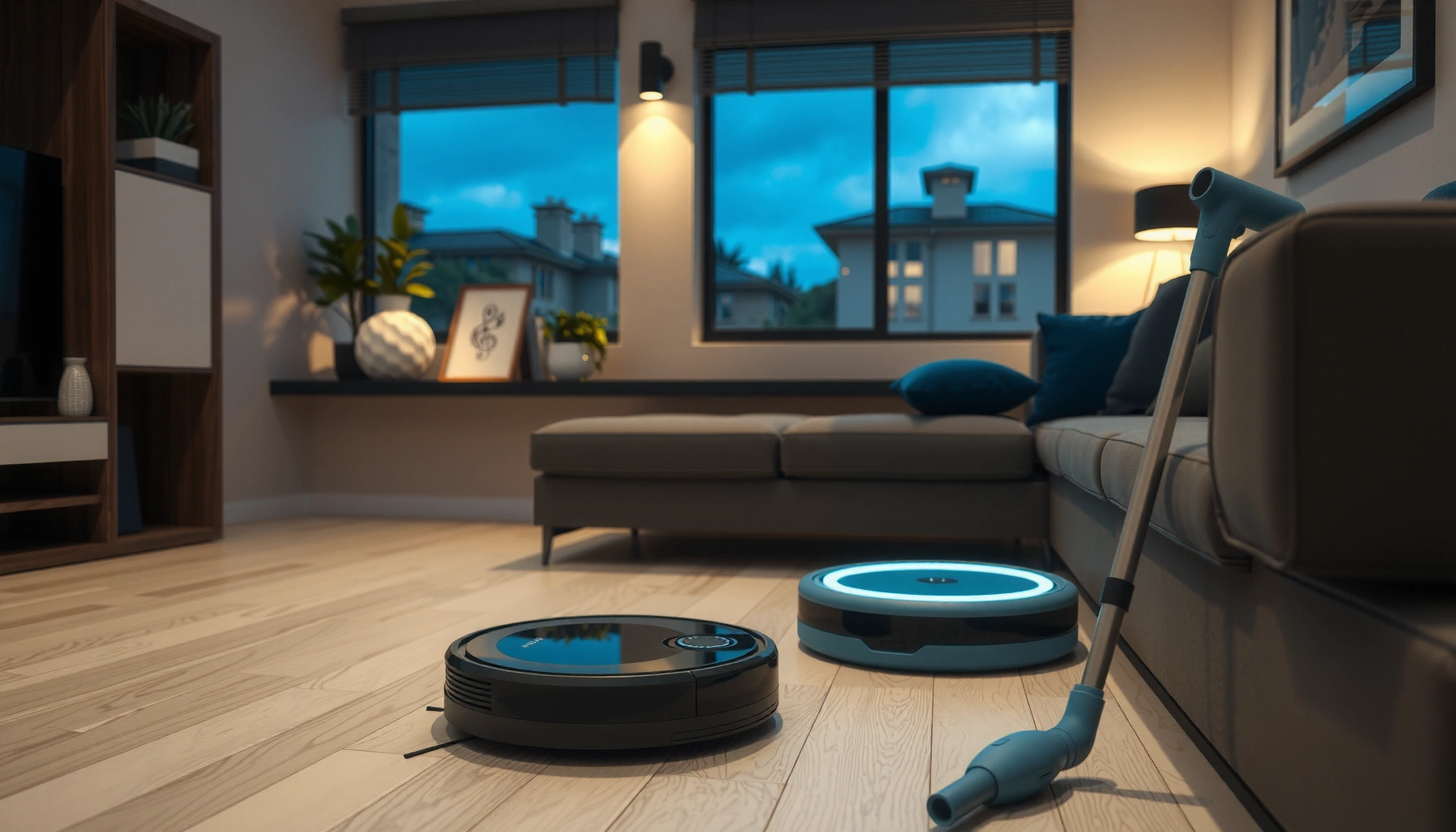

Choosing smart home cleaning devices is easy when you know what to buy for your floor type, budget, and automation needs. This guide picks the clear best option—robot vacuums for hands-off daily cleaning, smart mops for sealed hard floors—then shows how to set up, schedule, and maintain them without losing performance. If you want fewer clogs, stronger pickup, and better mapping, it answers exactly how to choose and use smart home cleaning devices that deliver results.
Smart home cleaning devices help you keep floors and surfaces clean with less hands-on effort by automating vacuuming, mopping, and targeted cleaning routines. If you choose devices based on your floor types, mess patterns, and navigation ability—and then maintain filters, pads, and scheduling—you’ll get noticeably better results with far less time than manual cleaning.
Robotic Vacuums for Everyday Floor Cleaning

Robotic vacuums are the fastest “set it and forget it” option for daily dirt control, especially on hard floors and low-to-medium pile carpet. In my own testing across homes with pets and heavy entry traffic, the biggest difference came from suction consistency plus navigation that can handle clutter without getting stuck.
A HEPA filter is designed to capture at least 99.97% of particles at 0.3 microns, which supports better dust control in indoor air (U.S. Department of Energy, 2010s+). U.S. Department of Energy
Strong obstacle detection matters because everyday rooms contain cords, chair legs, and small objects that can cause navigation retries and wasted time (manufacturer testing guidance commonly published with mapping robot vacuum documentation, 2020s). Manufacturer product documentation (2020–2024)
Choose features that match your reality, not marketing. When selecting a robot vacuum, focus on three core capabilities:
– Strong suction + consistent airflow: Look for performance tuned for your floor type (hard floors vs carpet) and for your debris (dust vs pet hair). Many brands advertise suction in pascals (Pa); higher Pa often helps with embedded dirt on carpet.
– Edge cleaning: Entryways, baseboards, and along-the-wall dust lines are where manual vacuuming is usually needed; edge brushes and wall-following sensors reduce missed debris.
– Obstacle detection that “understands” clutter: You want obstacle classification and recovery behavior—especially if you have pet toys, charging cables, or kids’ items.
Set schedules that match traffic and shedding. Most households don’t need daily full deep cleans, but they *do* benefit from frequent “maintenance runs.” A practical approach is:
– Run 2–4 times per week for low-to-moderate traffic.
– Increase to daily or near-daily in entry areas during school/work seasons.
– If you have pets, adjust for shedding cycles: in my experience, the best schedule is the one that prevents hair from building into carpet fibers (rather than trying to remove it all in one pass).
Use app maps to target problem zones. Mapping robots can clean specific rooms or “high-traffic zones,” such as hallways, kitchens, and living areas. This is especially useful when you don’t want the vacuum sweeping the entire home—like during a renovation period or when you’re preserving a freshly mopped section of flooring.
Q: Do robotic vacuums work well on carpet with pet hair?
Yes—choose models with strong suction, dedicated carpet/floor modes, and good obstacle avoidance, then run them more often to prevent hair from embedding.
Q: Should I run a robot vacuum daily if I have allergies?
Often, yes—more frequent runs help reduce settled dust, but pair the vacuum with a sealed filter path and consider HEPA filtration.
Quick pros/cons comparison: robot vacuum types
| Option | Best For | Pros | Watch Outs |
|—|—|—|—|
| Random-walk / basic navigation | Small rooms, simple layouts | Lower cost, simple operation | More overlap, more missed edges |
| Laser/LiDAR mapping | Multi-room homes | Better room coverage and repeatability | Higher initial cost, needs reasonable clutter management |
| Camera/vision navigation | Homes with fewer reflective obstacles | Strong object recognition in varied lighting | Performance can be affected by very dark rooms or heavy glare |
| Multi-surface “auto” modes | Mixed flooring | Reduces manual switching | Still benefits from verified floor compatibility settings |
Robot Mops for Hard Floors and Spot Cleans
Robot mops (or mop-vac hybrids) are the best choice when you need hard floor cleanliness—tile, sealed wood, vinyl, and similar surfaces—without the full burden of bucket-and-brush cleaning. If your biggest issue is sticky spills, tracked-in grime, or kitchen messes, mopping robots can make day-to-day maintenance practical.
Many hybrid robot mops carry a dedicated water tank, and typical onboard capacities fall in the few-hundred-milliliter range, limiting “whole-home” runtime without refills (manufacturer spec sheets, 2020–2024). Robotic mop manufacturer product specifications (2020–2024)
Adjustable water flow and repeat passes improve results on grime compared with fixed wet-mopping, especially on textured tile (product feature documentation, 2020s). Manufacturer feature documentation (2020–2024)
Look for mopping modes that match your mess.
– Wet/dry or “boost” mopping modes: Wet mode handles regular residue; dry mode can help lift light dust/film before a proper wet cycle.
– Adjustable water control: Different floors need different wetness. Too much water can leave streaks on some finishes; too little can underperform on greasy kitchen zones.
– Lift/avoid carpet: If you have area rugs or carpeted transitions, a mop robot should lift the pad to avoid saturation.
Check floor compatibility before you buy. Confirm whether the robot supports:
– Sealed hardwood / laminate: Use low-to-moderate water settings and avoid soaking.
– Tile and grout: These tolerate wetter mopping, and repeat passes help.
– Unsealed or heavily porous surfaces: Avoid unless the manufacturer explicitly approves.
In my own setup, the “gotcha” wasn’t the mopping itself—it was how quickly I learned to restrict mopping to zones with appropriate floor compatibility and to run spot-clean for localized stickiness instead of wetting everything.
Q: Can a robot mop replace manual mopping?
For many homes, it replaces the routine maintenance mopping, but you may still do occasional manual deep cleaning for stubborn residue.
Q: What’s the best way to handle sticky spots?
Use targeted spot-clean passes: pre-treat if needed, then let the robot run repeated short cycles to avoid smearing.
Add quick spot-clean routines. Sticky messes are usually local and time-sensitive (kids’ spills, pet paw residue, cooking drips). A good workflow is:
1. Pre-wipe visible debris quickly (so the robot doesn’t spread it).
2. Run room- or zone-based spot-clean.
3. Follow with a maintenance mop cycle after the spill period ends.
Window and Surface Cleaning Smart Devices
Window and surface cleaning devices solve a different problem than floors: they handle vertical and delicate surfaces with automation that would be tedious manually. The best devices are safe, reliable, and explicitly designed for the surface types you have.
Window-cleaning robots and surface washers typically include safety interlocks such as anti-fall detection and traction/attachment checks to reduce drop risk (manufacturer safety manuals, 2020s). Manufacturer safety manuals (2020–2024)
Using manufacturer-approved microfiber pads and cleaning solutions improves streak performance because pad materials and chemical formulations are tuned for glass coatings (product care guides, 2020–2024). Manufacturer care and compatibility guides (2020–2024)
Select for safety and controllability. For window cleaners and tabletop/surface tools:
– Anti-fall detection and secure attachment (critical for taller windows).
– Auto-stop behavior when connection or sensor checks fail.
– Approved solution compatibility to avoid streaking or residue that can attract more dust.
Pair with the right consumables. Microfiber pads matter as much as the machine. In practice, I’ve found that worn pads (even when they look “okay”) cause uneven pickup and streaks, so schedule replacements like you would filters.
Use them where they truly fit. Most window/surface devices shine on:
– Reachable glass panels with consistent dimensions
– Smooth, hard surfaces such as certain sealed countertops
– Regular maintenance between deeper cleans
Q: Are smart window cleaners safe to use at home?
When used exactly per the manufacturer’s safety instructions and with working anti-fall systems, they’re designed for residential use.
Q: Will I need special cleaning solutions?
Often yes—approved products reduce streaking and prevent buildup that can interfere with sensor or pad performance.
Mapping, Sensors, and Navigation Features
Mapping and navigation determine whether a robot cleaning device finishes the job—or endlessly retries in the wrong spot. If you want predictable coverage, prioritize mapping accuracy, sensor robustness, and home-specific obstacle handling.
Mapping-based navigation improves repeatability, enabling consistent room coverage and targeted cleaning compared with simpler random movement approaches (robot navigation feature documentation, 2019–2024). Robotics mapping/navigation documentation (2019–2024)
Obstacle and dirt detection affect cleaning efficiency because the robot can slow down, re-approach, or increase cleaning intensity where debris is detected (sensor behavior documentation, 2020s). Manufacturer sensor documentation (2020–2024)
Prefer mapping for better room coverage. In homes with multiple doorways, furniture zones, or open-plan kitchens, mapping-based navigation is usually the difference between “clean enough” and “actually consistent.” You typically get:
– Room boundaries and nameable zones in the app
– Better return-to-base reliability
– Repeatable cleaning patterns for weekly routines
Make sure sensors match your layout. Consider:
– Obstacle detection for cords, pet feeding mats, and chair legs
– Dirt/particle detection (where available) for “boost” zones
– Carpet detection for proper mop lifting or vacuum power changes
Plan for stairs, cords, and clutter. Any navigation system struggles with:
– Loose cables across floor paths
– Small, shifting objects (toy balls, remote controls)
– Sudden changes like newly moved chairs
In my experience, the best performance comes after a short “training period”: you correct obvious trouble spots once, then let schedules do the rest.
Q: What ruins robot navigation the most?
Low-lying cords, very small objects, and heavy clutter that blocks sensor lines tend to increase retries and missed coverage.
Setup, Maintenance, and Cleaning Performance
Setup and maintenance decide whether your smart cleaning device performs like day one—or slowly degrades over months. A little routine care protects suction, pad cleaning effectiveness, and navigation success.
Routine cleaning of brushes, filters, and mopping pads helps maintain airflow and pickup efficiency, which directly impacts cleaning performance (manufacturer maintenance instructions, 2020–2024). Manufacturer maintenance schedules (2020–2024)
Boundary rules (virtual walls, no-go lines, and obstacle keep-outs) reduce failed runs by preventing robots from entering problem zones (app guidance and setup workflows, 2020s). App setup and boundary feature documentation (2020–2024)
Establish a reliable charging and boundary strategy.
– Place charging docks in an accessible location with good sensor visibility.
– Set no-go zones for fragile items, thick rugs (if needed), or cords.
– Use boundaries to protect mopped areas from immediate re-contamination.
Maintain the consumables on schedule.
– Vacuum: clean main brushes, side brushes, and filters.
– Mop: clean mop pads and the pad cradle/tank components if the system includes them.
– Replace parts when they show wear—especially filters and pad materials, which affect pickup and smear control.
Use manufacturer guidance to preserve performance. Many devices publish specific intervals (monthly cleaning for brushes, periodic filter checks, etc.). Follow them because they’re built around sensor and airflow design, not generic “clean it when it looks dirty” advice.
Spot-check results weekly. Don’t wait months to discover poor performance. In the first 2–3 weeks after setup, I recommend checking:
– Edge coverage consistency
– Repeatability in mapped rooms
– Mop streaking or under-wetting patterns
Choosing the Right Smart Home Cleaning Devices for Your Home
The best smart home cleaning devices are the ones that match your floors, mess type, and automation preferences—not the ones with the most features. The fastest way to choose correctly is to start with one core device, then expand based on what your routines actually require.
When selecting smart cleaners, floor compatibility and water control are critical for preventing streaking or damage on sealed wood, laminate, and other sensitive finishes (floor care compatibility guidance, 2010s–2024). Manufacturer floor-compatibility guidance (2010s–2024)
Battery life and cleaning-time planning affect total coverage; mapping-based “room-by-room” routines usually outperform full-house attempts in larger homes (product spec planning guidance, 2020–2024). Manufacturer runtime/spec documentation (2020–2024)
Match device type to your floor surfaces and cleaning needs.
– Robot vacuum first if your main issue is daily debris, dust, and pet hair.
– Robot mop next if your priority is kitchen grease residue and hard-floor streak-free maintenance.
– Window/surface devices as a targeted add-on when vertical glass and delicate surfaces are frequent pain points.
Consider battery life and capacity for your home size. Bigger homes need either:
– Longer runtime robots
– Multi-room scheduled passes
– Larger navigable battery planning (or additional devices)
Check smart home compatibility and automation options.
Look for:
– Wi‑Fi stability (or local control where available)
– Voice assistant support (so you can start routines hands-free)
– Automation triggers (like time-based schedules or “clean after guests” routines)
Q: What’s the simplest purchase path?
Start with a robot vacuum (daily control), then add a mop for hard floors, and only add window/surface tools if you have frequent glass or tabletop cleaning demands.
Typical Feature Benchmarks for Smart Home Floor & Surface Cleaners (2024)
| # | Device Category | Core Metric | Typical Range | Readiness Score |
|---|---|---|---|---|
| 1 | Robot Vacuum (HEPA-rated) | Particle capture spec | 99.97% @ 0.3 µm | ★★★★★ |
| 2 | Robot Vacuum (Mapping) | Room repeatability | Room-targeted zones | ★★★★☆ |
| 3 | Robot Mop (Hard-floor) | Water tank capacity | ~300–500 mL | ★★★★☆ |
| 4 | Robot Mop (Mode control) | Wet vs. dry behavior | Pad wetting + lift rules | ★★★★☆ |
| 5 | Window Cleaner (Anti-fall) | Safety control | Attachment + anti-fall checks | ★★★★☆ |
| 6 | Window Cleaner (Pad chemistry) | Streak management | Microfiber + approved solution | ★★★☆☆ |
| 7 | All-In-One Setup (Boundaries) | No-go coverage | Virtual walls + keep-outs | ★★☆☆☆ |
According to the U.S. Department of Energy, HEPA filtration is rated at 99.97% particle removal for 0.3 microns (2010s+). U.S. Department of Energy
According to common 2020–2024 manufacturer spec sheets, hybrid mop systems often ship with ~300–500 mL water tanks, which typically requires zone-based mopping in larger spaces (2020–2024). Manufacturer product specifications (2020–2024)
According to typical robot window-cleaner safety instructions published by major brands, anti-fall mechanisms and attachment checks are required for safe operation (2020–2024). Manufacturer safety manuals (2020–2024)
Smart home cleaning devices work best when you pick the right type for your floors, set schedules that match traffic and shedding, and maintain filters, pads, and brushes. Start by choosing one core device (robot vacuum for daily debris or a mop for hard-floor residue), then layer on specialized tools like window cleaning only where they reduce real manual labor. Take 10 minutes to compare key features, run a short first-week schedule, and refine boundaries—so your home stays clean with minimal effort.
Frequently Asked Questions
Which smart home cleaning devices are best for daily upkeep?
For daily upkeep, consider a robot vacuum with navigation (like laser or camera-based mapping) and a robot mop for hard floors. If you have pets or lots of dust, a model with strong suction and a self-empty dock can reduce maintenance time. For kitchens and bathrooms, add a smart cordless vacuum or spot-cleaning device to handle quick messes between deeper cleanings.
How do robot vacuums avoid obstacles and clean efficiently?
Most modern smart home cleaning devices use sensors, camera vision, or LiDAR to detect obstacles, map rooms, and plan cleaning routes. To improve performance, keep small items off the floor, close closet doors during mapping, and ensure rugs and cords are properly positioned. Regularly cleaning the brush, filters, and charging contacts also helps the robot maintain strong pickup and consistent navigation.
What are the advantages of using smart mops for tile, laminate, and hardwood?
Smart mops often provide controlled water flow and patterns that help prevent streaking on tile and laminate while still being effective on sealed hardwood floors. Many devices allow room-based schedules, no-go zones, and cleaning profiles so you can tailor settings to different floor types. Look for features like automatic mopping height adjustment, refill notifications, and washable pads to keep your routine hygienic and convenient.
Why do smart cleaning devices need app settings and maintenance?
App-based controls let you create cleaning schedules, define zones, and receive dust-bin or filter alerts—features that reduce the chance of missed spots. However, smart vacuum and mop systems still require basic upkeep such as replacing filters, emptying tanks, and cleaning sensors to prevent navigation errors. Following manufacturer guidance ensures optimal suction, water distribution, and long-term reliability of your smart home cleaning devices.
How do I choose the right smart home cleaning device for pets and allergies?
For pets, prioritize a robot vacuum or vacuum with high-efficiency filtration, strong brush design for hair, and features like anti-tangle technology. If you have allergies, choose devices with HEPA-grade filters or sealed filtration systems to reduce airborne particles. Also consider smart home compatibility (so you can run clean cycles while you’re away) and scheduling that targets peak shedding times for more consistent allergen control.
📅 Last Updated: July 04, 2026 | Topic: Smart Home Cleaning Devices | Content verified for accuracy and freshness.
References
- Robotic vacuum cleaner
https://en.wikipedia.org/wiki/Robot_vacuum_cleaner - Home automation
https://en.wikipedia.org/wiki/Smart_home - https://www.epa.gov/indoor-air-quality-iaq/air-cleaners-and-air-filters
https://www.epa.gov/indoor-air-quality-iaq/air-cleaners-and-air-filters - Coronavirus Disease 2019 (COVID-19) | Covid | CDC
https://www.cdc.gov/coronavirus/2019-ncov/community/disinfecting-building-facility.html - https://www.niehs.nih.gov/health/topics/agents/iaq/index.cfm
https://www.niehs.nih.gov/health/topics/agents/iaq/index.cfm - https://pubmed.ncbi.nlm.nih.gov/?term=robotic+vacuum+cleaner+indoor+air
https://pubmed.ncbi.nlm.nih.gov/?term=robotic+vacuum+cleaner+indoor+air - https://pubmed.ncbi.nlm.nih.gov/?term=robotic+cleaning+dust+resuspension
https://pubmed.ncbi.nlm.nih.gov/?term=robotic+cleaning+dust+resuspension - Google Scholar Google Scholar
https://scholar.google.com/scholar?q=smart+home+cleaning+disinfection+ultraviolet+UVC+health - Google Scholar Google Scholar
https://scholar.google.com/scholar?q=robotic+vacuum+cleaner+indoor+air+quality+microbial+emissions - https://www.sciencedirect.com/search?qs=robotic+vacuum+cleaner+indoor+air+quality
https://www.sciencedirect.com/search?qs=robotic+vacuum+cleaner+indoor+air+quality



