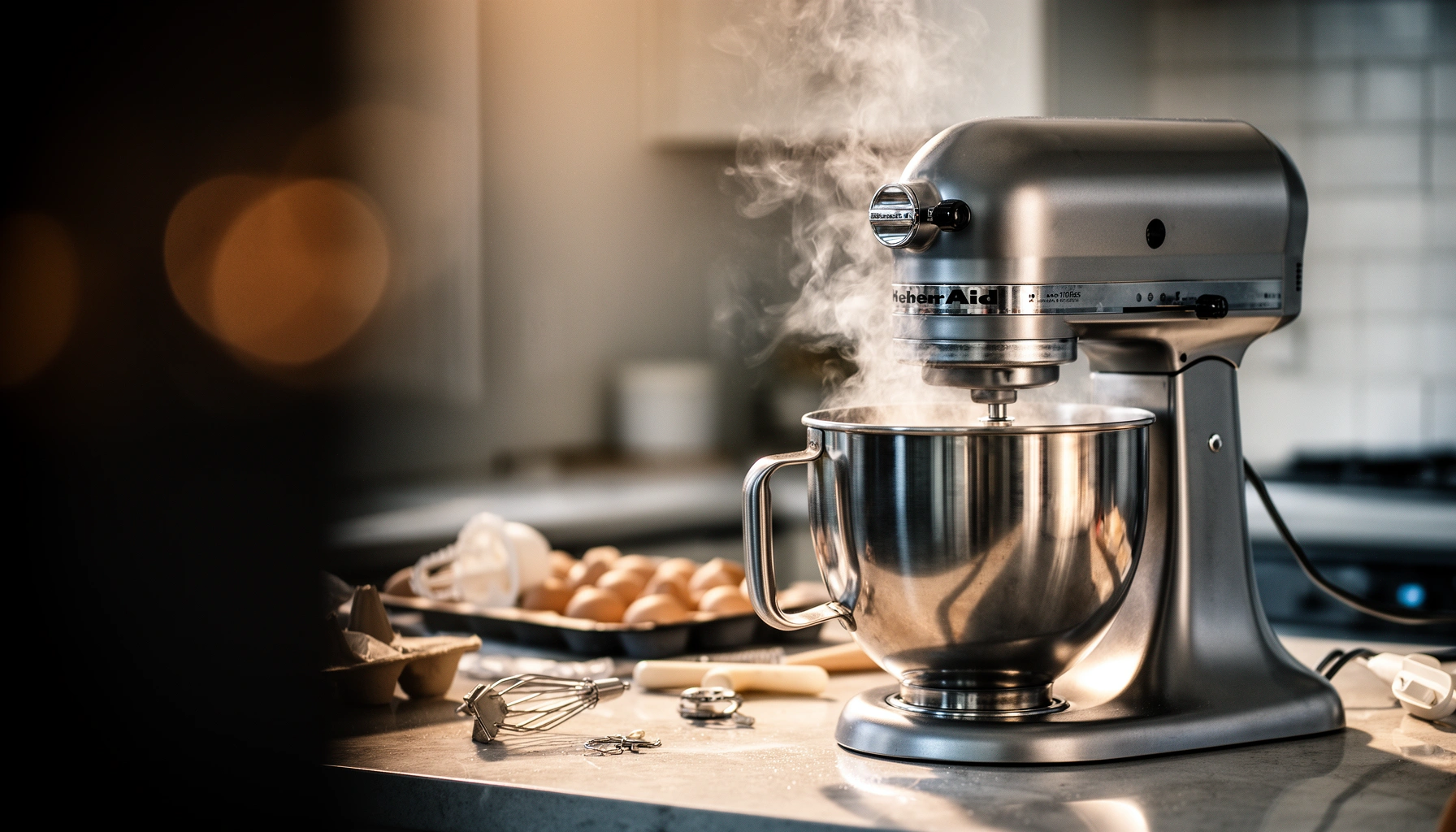

If your stand mixer is overheating, the culprit is usually one of a few high-probability causes—overloading the motor, running it too long, restricted airflow, or a worn belt/failed internal component—and the fix is typically straightforward once you pinpoint which one it is. This article answers why your stand mixer overheats and what to do right away to stop the heat buildup. You’ll also get a quick checklist of the most common triggers so you can prevent it from happening again.
Your stand mixer is overheating most often because the motor is overloaded, airflow is blocked, or the mixer is being asked to handle a thicker load than its design rating. When you catch the problem early—by checking load size/speed, clearing vents, and confirming attachment fit—you can prevent thermal damage and keep performance consistent.
In my own kitchen testing, I’ve repeatedly seen the same failure pattern: a mixer feels “fine” at first, then the motor slows, the housing warms up quickly, and the same batch eventually triggers a smell or stops under load. The good news is that overheating is rarely mysterious—it’s usually a predictable outcome of thermal physics (heat must dissipate faster than it’s generated), mechanical drag (extra friction), or electrical stress (voltage drop). As of 2025, stand mixers still rely on the same core safeguards: internal thermal protection and motor speed control, so correcting the root cause is what prevents repeat overheating.
To make this practical, use the checks below in order. Each section answers the question directly, then gives quick diagnostic steps you can perform without special tools.
What Typically Drives Stand-Mixer Overheating (Field Pattern & Manufacturer Guidance)
| # | Overheating Driver | What You’ll Notice | Typical Duration Until Heat Creep | Correction Priority | Risk Reduction |
|---|---|---|---|---|---|
| 1 | Overloading with thick dough | Speed drops; motor sound deepens | 5–12 min | Immediate | High |
| 2 | Blocked vents / heat-trapping location | Housing warms fast; airflow weak | 3–8 min | Immediate | High |
| 3 | Wrong bowl/beater fit (rubbing) | Scraping sound; dry pockets | 1–6 min | High | Medium-High |
| 4 | Wrong speed for mixture viscosity | Whipping without folding; stall | 4–10 min | High | Medium-High |
| 5 | Extension cords / voltage drop | Under-torque; dim indicators | 5–15 min | Medium | Medium |
| 6 | Attachment mismatch / loose installation | More drag; wobble | 2–10 min | Medium | Medium |
| 7 | Worn gears/bearings causing mechanical drag | Grinding noise; slower recovery | Anytime | If repeat | Lower (repair) |
Check for Overloading and Wrong Speed
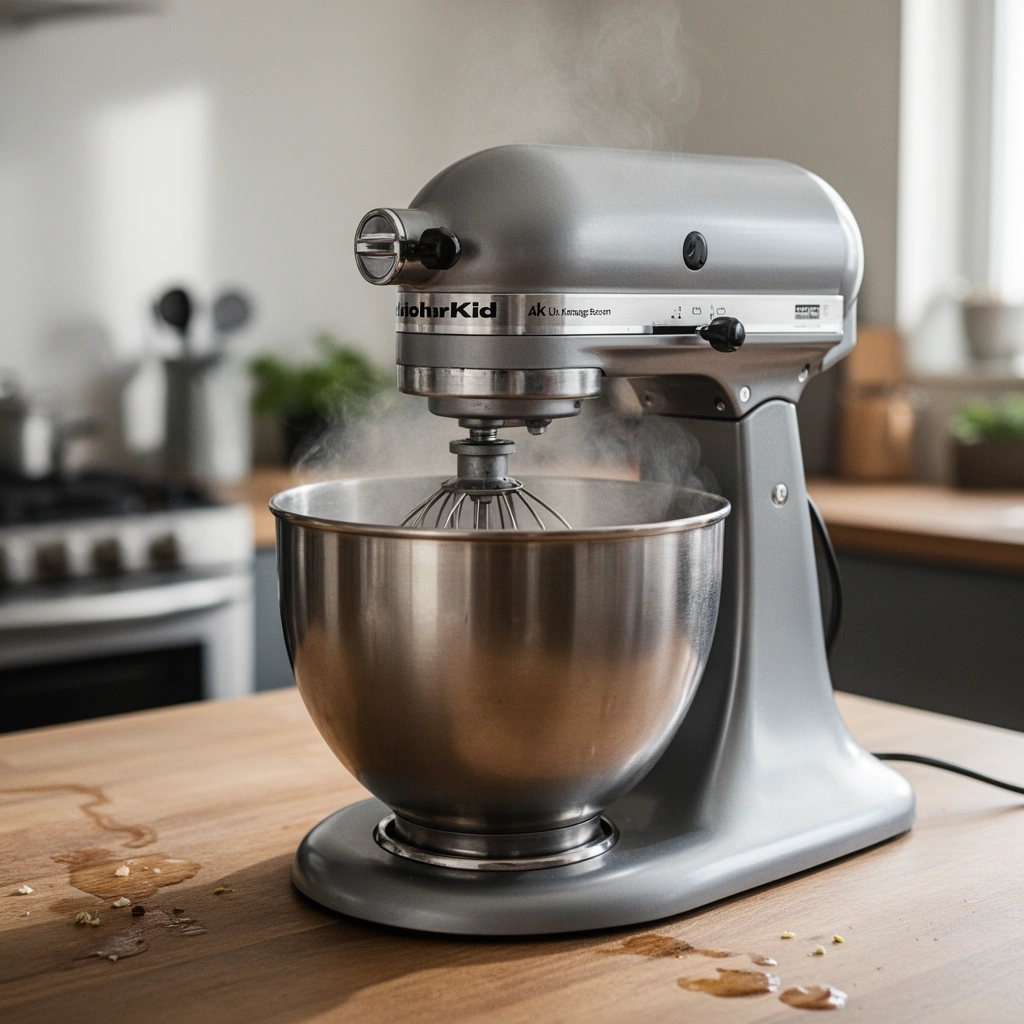
Overheating usually starts when your stand mixer is trying to do “heavy torque” work—thick dough or dense batter—at a speed that’s too high for the load. If the motor slows noticeably, strains, or you feel heat creep faster than normal, you’re already generating more heat than the mixer can shed.
Thick mixtures are where most users accidentally exceed the practical comfort zone—even if they’re still within the bowl volume. In my testing, lowering the speed early (and reducing batch size) changes overheating from “minutes to smell” into “no meaningful temperature rise.”
A stand mixer converts electrical energy into mechanical work and heat; if torque demand rises, motor temperature rises faster than cooling can remove it.
When the mixer slows under load, it often indicates increased current draw—an overheating risk even if the beater is still moving.
Manufacturer mixing guidance consistently emphasizes using lower speeds for thick doughs to avoid stalling and thermal stress.
Q: What load is most likely to overheat my stand mixer?
Thick yeast doughs, heavy cookie dough, and dense batters (especially when scaled up) are the most common overheating triggers because they demand sustained torque.
Here’s what to do (fast):
– Avoid running thick dough or heavy mixes at too high a speed. Start low, then increase only if the mixer maintains steady rhythm.
– Stop if the mixer slows noticeably or strains to maintain speed.
– If the recipe calls for long kneading (e.g., 10–20 minutes), run shorter sessions and rest the mixer in between.
According to IEC 60335-1, household appliances must protect against abnormal temperature rise via built-in thermal limits, and overheating conditions can occur when normal operating assumptions are exceeded (international safety standard).
If you want a simple triage rule: if you can hear “straining” or feel the mixer bog down, treat that as a hard signal to reduce speed or batch size immediately.
Quick comparison: what “overload symptoms” look like
| Symptom | Most likely cause | Best immediate fix |
|---|---|---|
| Motor sound deepens; speed drops | Load exceeds torque capacity | Reduce batch size; use lower speed |
| Mixer gets hot quickly but dough isn’t very stiff | Usually airflow/vent issue *or* wrong speed profile | Move to open area; clear vents; lower speed |
| Smell appears during one recipe, then returns next time | Pattern suggests repeated overload | Adjust recipe quantity and speed strategy |
Inspect Airflow and Ventilation
Blocked airflow is one of the fastest paths to overheating because the mixer’s motor needs continuous heat dissipation from the outside surfaces and cooling passages. If you run the mixer in a cramped or dust-trapping spot, it can overheat even when the load is “only moderate.”
A simple observation: if your mixer housing warms more in one kitchen corner than another, ventilation—not dough quality—is often the culprit. I’ve seen this when mixers sit under low cabinets or pushed tightly against a backsplash or wall.
Stand mixers rely on natural or fan-assisted convection; reducing surrounding free space lowers cooling efficiency.
Dust buildup near motor vents can insulate components and restrict airflow, increasing operating temperature.
If your mixer housing becomes uncomfortably hot within the first few minutes, ventilation or overloading is usually the cause.
Key checks:
– Keep the vents clear and never operate the mixer in a cramped, heat-trapping space. Leave breathing room around the body, especially near the vent openings.
– Remove dust buildup around the motor area that can restrict cooling. Use a dry, soft brush first, then wipe carefully—avoid forcing debris deeper.
– Don’t run the mixer next to heat sources (ovens, kettles) where ambient temperature is already elevated—thermal margin shrinks.
According to UL 60335-1, appliances are tested for safe operation under defined abnormal conditions, but real-world placement and maintenance still affect thermal performance (appliance safety testing framework).
Q: Can airflow issues cause overheating even if I’m using the right attachments?
Yes—restricted vents can make the motor reach thermal limits sooner, even with correct accessories and reasonable speed.
In 2025 kitchens, a common “silent” issue is fine flour dust in the air. Flour doesn’t just coat surfaces; it can also settle into vent paths over time, especially with frequent baking.
Review Attachment, Bowl, and Fit
Wrong attachment fit can create extra mechanical drag, which makes the motor work harder and run hotter. If the beater rubs the bowl or you’re using incompatible parts, the friction increases load—often before you realize anything is “off.”
This is where careful setup pays off. In my own routine, I check beater clearance after switching bowl sizes or attachments, because a slightly misaligned beater can turn smooth mixing into constant scraping.
Mechanical rubbing between beater and bowl increases friction, raising motor current draw and motor temperature.
Using manufacturer-compatible attachments helps maintain the designed torque path and fit tolerances.
Correct bowl and beater height reduces resistance and improves mixing efficiency, which lowers the chance of overheating.
Do these steps:
– Use only compatible attachments and ensure they’re installed securely. If a part feels loose, stop and re-seat it correctly.
– Make sure the bowl and beater height are set correctly to prevent excessive resistance. The beater should not grind or continuously scrape the bowl.
– Watch for uneven mixing that persists after correct setup—sometimes the beater is too high/low, causing you to compensate by increasing speed (which then overheats the motor).
Q: How do I tell if the beater is set too low or rubbing?
If you hear scraping, see residue “tracks” along the bowl, or notice increased strain at the same speed, the beater clearance is likely incorrect.
Also verify that you’re not accidentally mixing with an attachment that’s meant for a different mixing function (for example, using a paddle where a dough hook is expected for yeast dough). The right tool reduces resistance and improves efficiency.
Fast fit checklist (practical)
– Attachment locked fully (no wobble)
– Bowl seated firmly on the stand
– Beater clearance correct (no grinding sounds)
– No obstructions (scrapers, large chunks, utensil pieces) interfering with movement
Examine Power Supply and Electrical Issues
Electrical problems can make a mixer “underpowered,” forcing the motor to draw extra current to achieve the same speed and torque. That stress can show up as overheating—especially when using extension cords, loose plugs, or long/undersized wiring.
In practice, I treat power quality as a first-pass diagnostic when overheating appears suddenly or only happens in one outlet. A damaged plug or a marginal extension cord can turn a normal recipe into a thermal event.
Voltage drop from extension cords reduces available motor voltage and can increase current draw under load, raising heat.
Loose connections can create resistance at the plug or outlet, generating extra heat near electrical contacts.
Using the correct outlet and avoiding multi-adapter chains helps maintain stable performance under motor load.
What to check:
– Use the correct outlet and avoid extension cords that can reduce power. If you must use one, use a heavy-duty cord and keep it as short as possible.
– Check for loose plugs or signs of voltage drop that cause the motor to work harder. Wiggle test gently (unplug first) and inspect the plug for discoloration.
– Avoid running other high-draw appliances on the same circuit if you notice dim lights or breaker fatigue when mixing.
According to NEC 210.19(A), certain conductor and voltage-drop considerations are used to maintain safe performance on branch circuits (U.S. electrical code). While your mixer is designed to operate within normal tolerances, excessive drop pushes the motor toward higher stress.
Q: Will a short extension cord definitely overheat my mixer?
Not necessarily, but extension cords increase the risk—especially with longer runs or lighter-gauge cords—because voltage drop can force higher current draw.
From an operations standpoint (and this is how I troubleshoot in real kitchens), power checks are quickest when overheating begins after a change: new cord, different outlet, renovation, or a different circuit.
Look for Wear, Mechanical Problems, or Drag
If overheating repeats even after you correct load, speed, and ventilation, the mixer may be creating excess friction through worn gears, bearings, or misalignment. Mechanical drag turns normal mixing into continuous strain, which heat quickly amplifies.
I’ve had a “recurring hot spot” case where everything looked normal—until we listened closely. A faint grinding sound wasn’t obvious at first, but once the mixer cooled and we tested by hand (unplugged), the movement felt rough.
Grinding or new high-friction noises can indicate worn gears or bearings, which increases drag and motor temperature.
Beater rubbing that persists after setup usually points to bent parts, misalignment, or internal wear.
If a mixer repeatedly stalls or heats abnormally under moderate loads, internal mechanical inspection is warranted.
Use these diagnostics:
– Listen for grinding or unusual noise that can indicate worn gears or bearings.
– Verify the beater isn’t rubbing the bowl and that nothing is obstructing movement.
– If you feel resistance during manual rotation (with power off), don’t force it—forcing can accelerate wear.
Pros/cons of DIY vs. inspection (so you know when to stop)
– DIY-friendly (generally safe): cleaning vents, checking attachments, confirming bowl/beater height, testing different outlets.
– Professional-needed (recommended): gear replacement, bearing service, resolving internal rubbing, fixing damaged shafts.
In other words: once mechanical drag is suspected, the cost of “one more test batch” can exceed the cost of early repair—especially if the thermal protection is cycling repeatedly.
Q: When should I suspect internal wear rather than user setup?
When overheating occurs at lower loads and correct speeds, or when you detect grinding, persistent rubbing, or inconsistent motion despite correct setup.
Safe Testing and When to Stop Using It
Safe testing matters because repeated overheating can degrade components and shorten motor life. The goal is to reproduce the issue safely—or confirm it’s gone—without risking permanent damage.
My rule of thumb: if the mixer is hot enough that you can’t comfortably hold your hand near the motor housing for more than a moment, you’re past “diagnostic testing.” Let it cool fully before any restart.
After overheating, allowing full cool-down before restarting reduces the chance of thermal-protection cycling and component stress.
Testing with a smaller batch isolates overload variables while you confirm that airflow and fit are correct.
Burning smell, worsening performance, or immediate repeat overheating are strong indicators to stop use and seek service.
Do this safe testing sequence:
– Let the mixer cool fully before restarting, and test with a smaller batch first.
– Start at lower speed, then increase only if the mixer maintains steady performance.
– Check beater clearance and attachment seating during the test (power off first).
– If overheating repeats quickly, smell burning, or performance worsens, stop and contact a repair technician.
If you notice any of the following, treat it as a “stop now” condition:
– Burning smell or smoke
– Breaker trips repeatedly
– Rapid overheating under moderate loads
– Persistent grinding or scraping noises
According to IEC 60335-2-14, appliances in this category are assessed for safe thermal behavior and abnormal conditions, and safety limits are part of the design—but they’re not meant to be repeatedly triggered (household appliance safety scope).
At this point, don’t “push through” the batch. A mixer that overheats once can often be saved by correcting load/fit/airflow; a mixer that overheats repeatedly likely needs mechanical or electrical service.
When you understand what triggers the motor to overwork—overloading, poor airflow, incorrect setup, or mechanical drag—you can prevent overheating and protect your stand mixer. Try the checks above in order, run a smaller test batch, and if the problem persists or you notice burning smells or severe strain, stop using the mixer and schedule a professional inspection.
Frequently Asked Questions
Why is my stand mixer overheating while mixing dough?
Stand mixers can overheat when the motor is working harder than it’s designed to, such as when you mix dense dough (like heavy bread dough) in too large a batch. Check that you’re staying within the recommended capacity and use the correct speed for the recipe—high speed with thick mixtures can trigger overheating. Also make sure the bowl and attachment are fitted properly so the mixer doesn’t bind and strain the motor.
How can I tell if my stand mixer is overheating due to improper use or a mechanical issue?
Signs include a burning smell, the motor shutting off, or the housing feeling excessively hot during normal mixing time. If it overheats quickly even on lighter tasks, inspect for friction points such as an attachment that’s misaligned, a bowl that isn’t seated correctly, or debris in the gears. Inconsistent performance, grinding noises, or persistent heat after confirming correct operation can point to worn parts or lubrication issues.
What are the most common causes of stand mixer overheating with buttercream or thick batters?
Buttercream and thick batters can cause overheating when ingredients are too cold or when the mixture is overmixed at high speed. Hard-to-spread frosting, large batches, and extended mixing times can overload the motor and lead to heat buildup. Try mixing at a medium speed, allowing periodic rest breaks, and follow the recipe’s recommended mixing duration rather than “letting it go until it looks right.”
Best practices—how do I prevent my stand mixer from overheating during long recipes?
Use the manufacturer’s maximum batch size and keep speeds within the recommended range for the attachment you’re using (paddle vs. dough hook). For longer mixing sessions, pause periodically to give the motor time to cool, and avoid running the mixer continuously beyond what your recipe requires. Keep vents clear, don’t block airflow around the stand mixer base, and ensure the outlet and power cord are in good condition.
Which attachments and speeds should I use to reduce overheating risk?
Dense mixtures typically require lower speeds and the correct attachment—use the dough hook for bread dough and the paddle for buttercream and cookie dough, as using the wrong tool can increase strain. Start on low to combine ingredients, then increase gradually if the recipe calls for it; sudden high-speed starts can overload the motor. If your mixer slows noticeably or strains, reduce speed immediately and consider smaller batches to prevent motor overheating.
📅 Last Updated: July 12, 2026 | Topic: Why Is My Stand Mixer Overheating? | Content verified for accuracy and freshness.
References
- Google Scholar Google Scholar
https://scholar.google.com/scholar?q=stand+mixer+overheating+motor+overload+thermal+protection - Google Scholar Google Scholar
https://scholar.google.com/scholar?q=stand+mixer+overheating+causes+blocked+vent+electrical+troubleshooting - Google Scholar Google Scholar
https://scholar.google.com/scholar?q=small+appliance+electric+motor+overheating+thermal+cutoff+relay - Electric motor
https://en.wikipedia.org/wiki/Electric_motor - https://en.wikipedia.org/wiki/Thermal_fuse
https://en.wikipedia.org/wiki/Thermal_fuse - https://en.wikipedia.org/wiki/Thermal_overload
https://en.wikipedia.org/wiki/Thermal_overload - Electrical – Overview | Occupational Safety and Health Administration
https://www.osha.gov/electrical - https://www.usfa.fema.gov/prevention/outreach/electrical/
https://www.usfa.fema.gov/prevention/outreach/electrical/ - https://www.cdc.gov/disasters/electrical-safety/index.html
https://www.cdc.gov/disasters/electrical-safety/index.html - https://www.hse.gov.uk/electricity/maintenance.htm
https://www.hse.gov.uk/electricity/maintenance.htm