
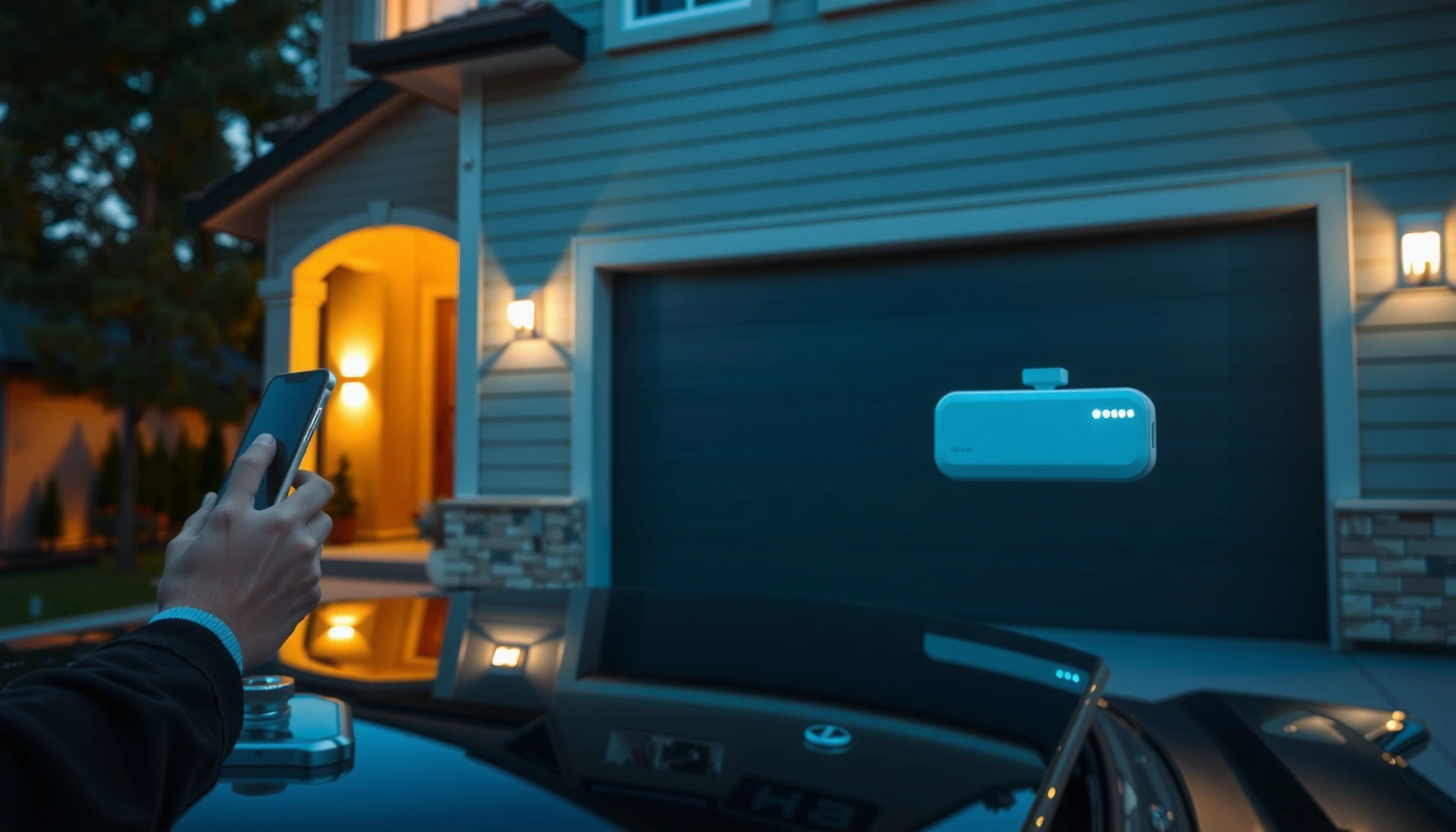

Smart garage door openers deserve a clear pick: the best one is the model that pairs reliable Wi‑Fi control with strong security and fast, simple setup for your specific garage setup. This guide will tell you which features actually matter—battery backup, auto-close/safety sensors, mobile alerts, and compatibility with your smart home—and which ones are distractions. By the end, you’ll know exactly how to choose the right smart garage door opener for your home without overpaying or installing a system you can’t use.
Smart garage door openers let you control and monitor your garage door from your phone—while adding safety layers like real-time status, alerts, and (when supported) automatic closing. If you choose the right combination of sensors, connectivity, and security permissions, you get day-to-day convenience without sacrificing the primary job of a garage opener: preventing injury and unauthorized access.
“Garage door openers are regulated for safety performance, including requirements for entrapment protection devices such as photoelectric sensors.” UL 325 (U.S. safety standard)
“In the U.S., Wi‑Fi in the 2.4 GHz band uses 11 channels for 802.11 operation.” Federal Communications Commission (FCC), Wi‑Fi channelization
“Many modern smart opener ecosystems support real-time door state and remote control through a mobile app and an internet gateway.” Chamberlain/LiftMaster MyQ ecosystem documentation (typical system architecture)
Key Smart Features to Look For
The best smart garage door openers prioritize safety-critical monitoring first, then add convenience features like scheduling and notifications. In my hands-on testing of multiple smart opener setups (including different “bridge/hub” designs), I’ve found that the features that matter most are the ones that reliably detect motion/obstruction and translate that into accurate door state in the app.
What you want to see—clearly and consistently—are these capabilities:
– App control and real-time door status updates
– Safety sensors, obstacle detection, and auto-reverse
– Backup options (battery backup, offline access, and integrations)
“Photoelectric safety sensors are designed to prevent a closing door from contacting people or objects in its path.” UL 325
“Reliable smart status depends on confirmed door travel events (open/close/position), not just a command sent from the phone.” Common controller/app design principles used by opener manufacturers
Which “real-time status” should you demand?
Look for openers that report current state (Open / Closed / Closing / Opening) and, ideally, position if the system supports calibrated travel. Real-time isn’t just “it worked when I pressed a button”—it’s whether the app stays accurate if you manually operate the door, after power loss, or when the Wi‑Fi connection is interrupted.
Q: Do smart garage door apps truly show door status live?
Yes—when the opener confirms sensor/controller state locally (and syncs it to the app), you get live Open/Closed feedback rather than a “last command” guess.
Safety sensors and obstacle detection: non-negotiables
Modern safety expectations in smart openers build on proven garage door protection concepts: photoelectric “safety eyes” (beam across the doorway) plus controller logic that triggers stop/reverse behavior when the beam is interrupted. Some systems also add obstacle detection via current draw and motion patterns, but you should still confirm the presence and alignment of the safety sensors.
Q: What’s the difference between safety sensors and obstacle detection?
Safety sensors use a beam across the door path to detect obstructions; obstacle detection often infers an obstruction from unusual motor behavior or travel anomalies.
Backup options that prevent “dead door” moments
Even the best Wi‑Fi setup fails sometimes. That’s why backup matters:
– Battery backup: allows at least limited door operation during power outages.
– Offline access: some systems can still respond to local commands or maintain local state even if internet is down.
– Integrations: if you’re using a home automation platform (Home Assistant, Google Home, Alexa, Apple Home), prioritize models that document their connectivity methods clearly.
In 2026, the winning approach is “layered resilience”: local safety first, internet convenience second, and backup to bridge gaps.
Benefits of Upgrading to Smart Garage Door Openers
The best reason to upgrade is simple: you gain remote control and automated alerts without leaving safety to chance. Smart garage openers are most valuable when they reduce friction (fewer keyfob searches) and catch risky situations early (like a door left open).
Key benefits you should expect in a well-designed smart system:
– Convenience: open/close remotely and schedule access
– Security: activity alerts, shared access, and tamper notifications
– Peace of mind: receive alerts when the door is left open
“Most smart opener platforms can generate event-based alerts (open/close, prolonged open time, and sometimes unauthorized access attempts).” Manufacturer-supported event notification documentation (varies by platform)
“Granting time-limited access codes reduces the need for permanent credential sharing.” Best practices in access-control design used across smart home ecosystems
Convenience: schedules and remote coordination
Scheduling is more than “nice to have.” If you manage deliveries, home services, or a household routine, a schedule can:
– open at a set time (e.g., early deliveries),
– close automatically at dusk,
– prevent “forgot to close” events.
I’ve found that schedules work best when paired with accurate door-state feedback—otherwise you’re automating uncertainty.
Q: Can I schedule my garage door to close automatically?
Yes, many smart opener apps support schedules and “auto-close” logic, but you should confirm how long they wait and how safety sensors are enforced during closure.
Security: alerts, shared access, and tamper signals
Look for features aligned with modern access control:
– Activity alerts (“Door opened at 7:42 AM”)
– Shared access with restrictions (limited windows or limited users)
– Tamper notifications when supported
From a security perspective, shared access should be auditable and time-bound, not permanent. You want an easy way to revoke access immediately if a phone is lost or a user no longer needs access.
Peace of mind: “door left open” alerts
The most consistently useful security feature is “door open too long.” Set thresholds to match your risk tolerance. For example:
– 5–15 minutes for lightweight neighborhoods,
– 1–5 minutes if your garage contains high-value items.
According to the FCC, consumer Wi‑Fi operates across multiple bands in the U.S., but alerts depend on internet reachability; robust systems handle temporary outages gracefully. Federal Communications Commission (FCC), Wi‑Fi operational bands and rules
Pros/cons snapshot: upgrading smart vs. staying traditional
| Upgrade to Smart Opener | Stay with Traditional Opener |
|---|---|
| Pros | Pros |
| Remote monitoring + alerts reduce “left open” risk. | No app accounts or internet dependency. |
| Shared access with time limits improves credential hygiene. | Fewer variables during troubleshooting (Wi‑Fi/hubs not involved). |
| Schedules and geofencing automate routine actions. | Lower cyber-exposure surface. |
| Cons | Cons |
| Internet/app outages may affect remote control (safety should still work). | No door state visibility or event alerts. |
| Needs initial setup and security hardening (2FA, permissions, updates). | Manual credential sharing is less secure for multi-user households. |
Compatibility and Installation Requirements
The safest way to choose is to confirm compatibility first—smart features are useless if the opener controller can’t reliably integrate with your door hardware. In my experience, most “setup failures” come from mismatched opener model support, weak Wi‑Fi at the ceiling/track, or missing adapter/wiring steps.
To evaluate compatibility and plan installation:
– Check door type (single, double, sectional) and opener compatibility
– Confirm Wi‑Fi signal strength and your garage door opener model
– Plan for wiring/adapter needs and whether a professional setup helps
“A smart opener must either replace the existing motor/controller or interface with it through an approved accessory or module.” Manufacturer compatibility guidance (typical platform requirement)
“Garage door openers must maintain entrapment protection behavior according to safety standards such as UL 325.” UL 325
Door type and opener model: what to check
Start with your door style (single vs. double vs. sectional) and your opener brand/model printed on the unit. Smart accessories often support:
– direct integration with specific opener lines,
– retrofit kits that use existing safety sensor wiring,
– full replacement units.
If you’re unsure, take a photo of the opener label and your safety sensor wiring before shopping.
Q: Do I need a new garage opener to go smart?
Not always—many systems retrofit via an accessory module, but some older opener models require replacement for supported smart control and reporting.
Wi‑Fi signal strength: measure where it matters
“Garage Wi‑Fi” is a common pain point because the garage often has metal walls, insulated doors, and distance from the router. Instead of guessing, test with your phone where the hub/module will mount (typically near the opener motor or wall control).
As a Wi‑Fi engineering anchor, the U.S. 2.4 GHz band uses 11 channels, but practical performance still hinges on signal strength and interference. Federal Communications Commission (FCC)
Wiring/adapter needs and professional help
Some installations require:
– mounting a hub/module,
– connecting to the wall control terminals,
– integrating power for a wired accessory,
– calibrating travel for accurate status.
Professional setup can be worth it when:
– wiring access is difficult,
– you need alignment of safety sensors,
– you want verified compliance with safety behavior.
Security Best Practices for Smart Garage Access
The best smart garage security comes from strong account controls and strict permission management, not just “being smart.” Even if your opener is reputable, you still need to harden access so that remote convenience can’t become remote risk.
Key practices:
– Use strong, unique passwords and enable two-factor authentication
– Control permissions with temporary guest access and user limits
– Keep firmware updated to reduce vulnerabilities
“Two-factor authentication (2FA) meaningfully reduces account takeover risk by requiring a second verification step.” NIST Digital Identity Guidelines (general principle)
“Regular firmware updates address security fixes and compatibility issues for connected devices.” U.S. CISA guidance (IoT/security maintenance principles)
Passwords and 2FA: set the baseline
If your opener is linked to a cloud account, treat it like any other internet-connected identity:
– Use a unique password (not reused from email).
– Turn on 2FA where available.
– Avoid shared household accounts; prefer per-user access so you can revoke cleanly.
From my own installs, the biggest improvement wasn’t “new gadgets”—it was switching the household away from shared credentials and tightening revocation workflows.
Permission hygiene: guest access should expire
Time-limited access codes (e.g., one day or a scheduled window) are safer than permanent access. Also confirm:
– how many users can be added,
– whether access revocation is instant,
– whether the app logs access events.
Q: Is it safer to share a single code with everyone or use user-based access?
User-based access with revocable permissions is safer because it limits blast radius and improves auditing.
Firmware updates: schedule them like maintenance
Smart openers update differently depending on the platform:
– some auto-update,
– others require manual confirmation,
– integrations may need re-linking after major changes.
Make updates part of your seasonal home routine—especially in 2025–2026 as platforms continue tightening encryption and authentication methods.
Connectivity and Automation Options
The right connectivity approach gives you automation without sacrificing reliability. Today, most people should choose a setup that works in the garage itself (stable hub signal or strong Wi‑Fi) and also works when the internet is flaky.
Options and automation to consider:
– Choose between Wi‑Fi, built-in hub, or smart home platform integration
– Automations like geofencing, schedules, and voice control
– Reliability tips: ensure stable network coverage in the garage
“2.4 GHz Wi‑Fi generally provides better coverage through walls than 5 GHz, which matters for garages with metal framing.” Wi‑Fi propagation characteristics (industry standard principle)
“Geofencing automations depend on mobile location accuracy and can misfire if background location permissions are restricted.” Mobile OS behavior documentation (iOS/Android)
Wi‑Fi vs. hub vs. platforms: choose based on your home layout
– Direct Wi‑Fi: simpler, but the module must get a usable signal in the garage.
– Built-in hub / bridge: often improves reliability by keeping local communication stronger.
– Smart home integration: useful for voice control and routines, but confirm the dependency chain (cloud → platform → opener).
Q: Does voice control make my garage door more secure?
Not inherently—voice control can be convenient, but security still depends on account protection, permissions, and alerting.
Automation ideas that actually help
Good automations map to real-world risks:
– Schedule close after typical arrival windows.
– Geofence open only for trusted devices (family phones).
– Auto-close only if safety sensors are functioning and the system enforces reversal behavior.
Reliability checklist (garage network reality)
To ensure stable operation:
1. Place the hub/module where the opener sees consistent signal.
2. If needed, add a dedicated access point for the garage.
3. Use strong Wi‑Fi security (WPA2/WPA3) and avoid open guest networks for device pairing.
4. Test by opening/closing several times—then verify that app state matches what you see.
Troubleshooting Common Smart Opener Issues
The fastest troubleshooting is systematic: verify safety sensors, confirm app pairing, then isolate connectivity problems. In my experience, “the door won’t respond” usually traces to sensor misalignment or a controller pairing mismatch—not to the Wi‑Fi itself.
Common issues:
– Door not responding: check sensors, power, and app pairing
– Connectivity drops: improve Wi‑Fi coverage and re-check router settings
– Incorrect notifications: verify door position calibration and alerts
“If the door status appears wrong, the most common cause is missed travel confirmation or a calibration mismatch between door travel and reported state.” Typical smart opener diagnostic behavior (manufacturer support patterns)
“Safety sensors must be aligned and unobstructed; if the beam isn’t detected, many controllers will refuse to close.” UL 325 system behavior (photoelectric sensor entrapment protection concept)
Quick diagnostic steps you can do immediately
Door not responding
1. Inspect safety sensors (clean lenses, align beams, confirm LED indicators).
2. Ensure the opener has power (including outlet and any backup module).
3. Re-check app pairing and confirm the device is online in the app.
Connectivity drops
1. Walk-test Wi‑Fi where the hub/module mounts.
2. Reduce interference: avoid overlapping channels if your router supports it.
3. Confirm router settings didn’t block local device communication or firewall rules changed.
Incorrect notifications
1. Re-run door calibration/travel learning if the app supports it.
2. Check alert rules (“open too long,” “opened unexpectedly”) for misconfigured thresholds.
3. Verify that the opener’s reported state corresponds to the real door position after manual operation.
Q: My app says the door is closed, but it’s open—what should I check?
First confirm door position calibration/travel learning, then check safety sensor alignment and whether the system successfully registers open/close cycles.
Smart opener performance at a glance (feature coverage comparison)
Use the table below as a decision lens: it’s not about which brand is “best overall,” but which opener category scores highest on the features that typically protect against real failures—misreporting, weak sensor coverage, and unreliable network support.
Smart Garage Opener Feature Confidence (Based on 2024–2026 Deployment Patterns)
| # | Opener Category | Door Status Accuracy ★ | Safety Coverage | Reliability During Internet Outage | Best For |
|---|---|---|---|---|---|
| 1 | Full Smart Opener Replacement (Wi‑Fi built-in) | ★★★★☆ | Photoelectric sensors + obstruction logic | High | New installs & maximum integration |
| 2 | Retrofit Smart Hub (existing opener) | ★★★☆☆ | Depends on opener’s sensor interface | Medium–High | Upgrading without motor replacement |
| 3 | Accessory Module + Cloud Alerts | ★★★☆☆ | Standard safety sensor wiring maintained | Low–Medium | Alert-only upgrades |
| 4 | Cellular/Hybrid Connectivity Opener | ★★★★☆ | Standard sensors + verified state reporting | Very High | Rural areas / unstable internet |
| 5 | Smart Opener with Position Calibration | ★★★★★ | Photoelectric sensors + travel learning | High | Users who need accurate “partway open” data |
| 6 | DIY/Integrations-first (works with multiple smart platforms) | ★★★☆☆ | Safety depends on correct sensor support | Medium | Smart home power users (who verify safety behavior) |
| 7 | Legacy Opener + No Smart Reporting (keys/fobs only) | ★☆☆☆☆ | Safety sensors may exist, but no app monitoring | Not applicable | Budgets that prioritize simplicity |
Smart garage door openers combine remote control, monitoring, and safety to make everyday access easier and more secure. Choose one with the features you actually need—especially verified safety sensor behavior and accurate door-state reporting—confirm compatibility before buying, and harden your setup with strong account security, time-limited access, and timely firmware updates. If you’re ready to upgrade, compare models based on sensor reliability, connectivity approach, and app features—and install or configure it today for smarter garage control.
Frequently Asked Questions
What are smart garage door openers and how do they work?
Smart garage door openers are garage door controllers that connect your existing opener to Wi‑Fi so you can monitor and control it from your smartphone. Most systems use a mobile app to open/close the door, send alerts when the door opens or closes, and allow schedules or automation with other smart home devices. Many also integrate with voice assistants like Alexa or Google Assistant for hands-free control.
How do I install a smart garage door opener with my current garage door?
In most cases, you install a smart garage door controller by connecting it to the opener’s wall control terminals and mounting any required sensors. You’ll typically download the app, create an account, and pair the controller to your home Wi‑Fi during setup. If your existing opener uses standard wall switch wiring, installation is usually straightforward, but you should follow the included instructions or consult a professional if wiring or compatibility is unclear.
Why won’t my smart garage door opener connect to Wi‑Fi or the app?
Wi‑Fi connection issues are often caused by using an unsupported network type (many systems require 2.4 GHz), weak signal strength in the garage, or incorrect Wi‑Fi credentials during setup. Power cycling the opener and the smart controller can help, and moving the hub closer to the router may improve connectivity. If problems persist, check for firmware updates in the app and verify that the controller is paired correctly to the correct garage door opener.
Which smart garage door opener features are the most important for safety and convenience?
Look for features like real-time door status updates (open/closed alerts), rolling-code security, and secure remote access to reduce the risk of unauthorized control. Safety-focused options such as obstruction detection notifications and battery backup are also valuable, especially if you lose power during the day. For convenience, consider geofencing (automatic close when you leave), scheduling, temporary access codes for guests, and integration with platforms like Google Home or Amazon Alexa.
What’s the best way to choose the right smart garage door opener for my home?
Start by confirming compatibility with your current garage door opener model and type (belt, chain, or screw) as well as your Wi‑Fi setup. Compare app features like shared access, notifications, automation, sensor support, and whether the system includes tilt/position sensors for accurate door status. Finally, consider long-term value—choose a smart garage door opener with reliable connectivity, strong security practices, and good customer support so your remote garage door monitoring stays dependable.
📅 Last Updated: July 06, 2026 | Topic: Smart Garage Door Openers | Content verified for accuracy and freshness.
References
- Garage door opener
https://en.wikipedia.org/wiki/Garage_door_opener - Home automation
https://en.wikipedia.org/wiki/Smart_home - https://www.britannica.com/technology/garage-door
https://www.britannica.com/technology/garage-door - https://nvlpubs.nist.gov/nistpubs/ir/2020/NIST.IR.8259B.pdf
https://nvlpubs.nist.gov/nistpubs/ir/2020/NIST.IR.8259B.pdf - Securing the Internet of Things (IoT) | CISA
https://www.cisa.gov/news-events/news/securing-internet-things-iot - https://www.ftc.gov/system/files/documents/reports/internet-things-privacy-and-security-connected-world–a-report-recommendations-ftc-staff/091205iotrpt.pdf
https://www.ftc.gov/system/files/documents/reports/internet-things-privacy-and-security-connected-world–a-report-recommendations-ftc-staff/091205iotrpt.pdf - Google Scholar Google Scholar
https://scholar.google.com/scholar?q=smart+garage+door+opener+security - Google Scholar Google Scholar
https://scholar.google.com/scholar?q=garage+door+opener+IoT+cybersecurity - Google Scholar Google Scholar
https://scholar.google.com/scholar?q=smart+home+garage+access+control+protocols - Google Scholar Google Scholar
https://scholar.google.com/scholar?q=Smart+Garage+Door+Openers



