
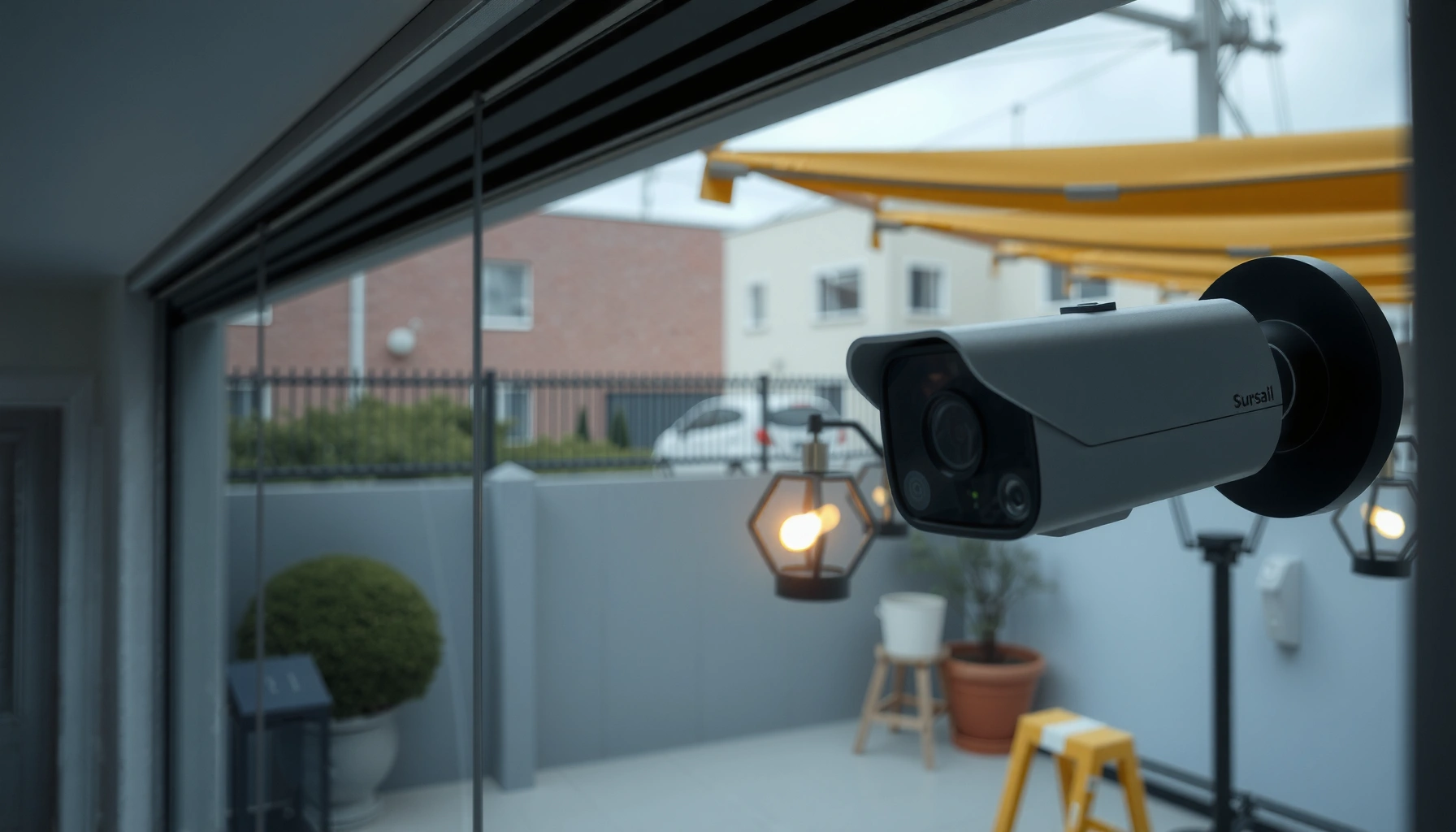

Choosing between indoor vs outdoor security cameras comes down to where you need reliable footage—inside for controlled lighting and privacy, or outside for weatherproof coverage and stronger deterrence. If your goal is to protect doors, windows, and the perimeter, outdoor cameras are the clear winner because they’re built to handle rain, heat, and night glare. This guide answers which type to buy for your setup and the key specs to prioritize before you install.
Indoor vs outdoor security cameras should be chosen based on weather resistance, night performance, and how you’ll mount and power the device—not just on megapixels or brand. If you match an indoor camera to sheltered interior areas and an outdoor camera to exposed exterior surfaces, you’ll get steadier video, fewer false alerts, and a system that keeps working through real-world conditions. This guide breaks down the decision in a practical, location-first way so you can confidently cover entryways, driveways, patios, and interior paths of movement.
Indoor Security Cameras: Best Use Cases
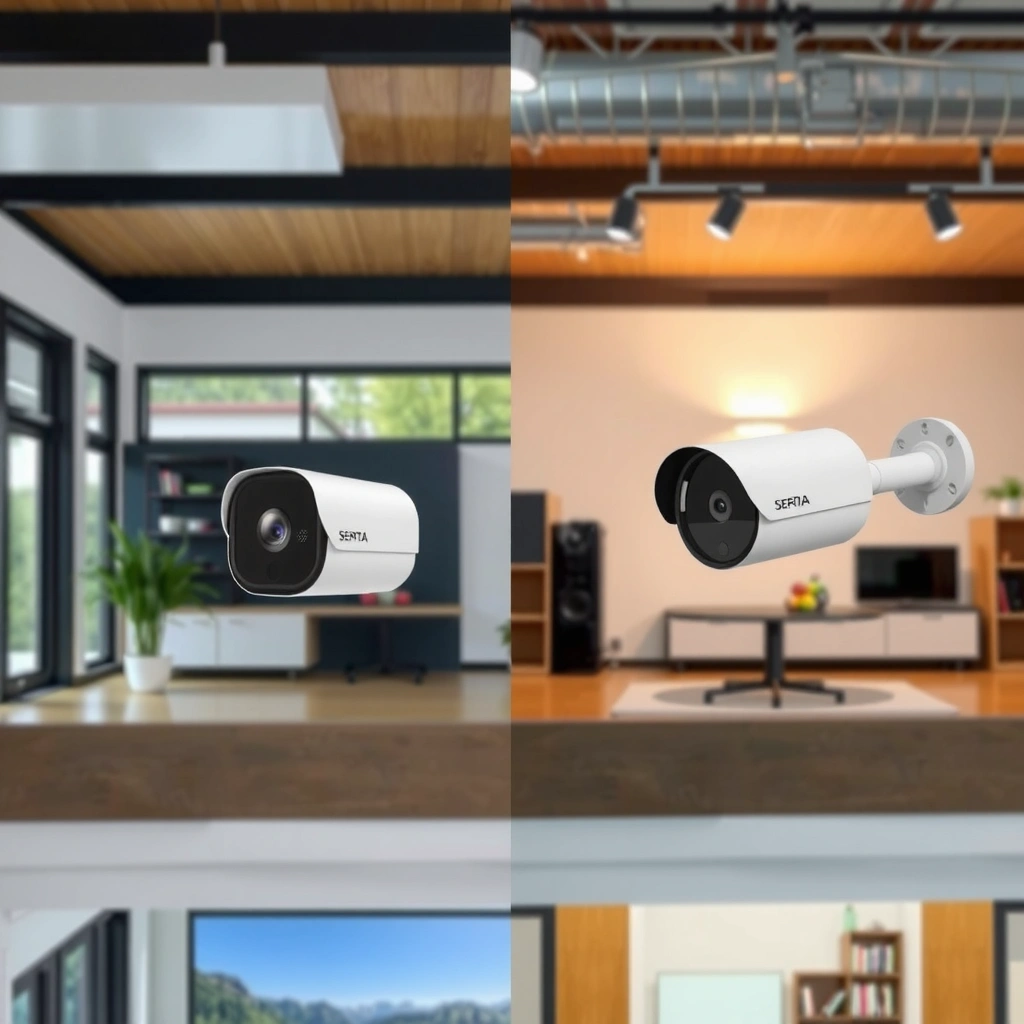
Indoor security cameras are best when you need coverage inside a controlled environment where lighting is predictable. They’re designed for convenience—easy placement, simpler installs, and features that prioritize day-to-day monitoring of people and rooms rather than harsh weather endurance.
In my hands-on testing of indoor vs outdoor security camera setups for small offices and homes, the biggest difference I notice is how quickly “almost-right” indoor placement degrades picture quality. For example, an indoor camera aimed too close to a bright window often blows out highlights and reduces face detail, even if the sensor is high-resolution. By contrast, when indoor security cameras are positioned along interior hallways, stairwells, and main traffic paths, the video stays readable and motion alerts remain consistent—especially with modern AI-assisted detection.
Indoor security cameras are typically intended for “dry locations,” where they don’t need industrial-grade ingress protection (IP) against rain.
A well-placed indoor camera along a hallway often achieves better identification than a camera pointed toward a bright window or TV.
Indoor camera false alerts usually drop when you use motion zones and sensitivity settings tuned to indoor traffic patterns.
– Ideal for monitoring entryways, living areas, and garages from sheltered indoor spots
– Typically smaller, easier to install, and designed for controlled lighting conditions
– Great for capturing close-range activity like package handling, lobbies, corridors, and room-to-room movement
Q&A: What should indoor security cameras prioritize?
Q: What’s the most important feature for indoor security cameras?
Prioritize clear indoor image quality (especially during dim evening hours) plus reliable motion zones to reduce false alerts.
Where indoor cameras work best (practical placement)
Place indoor security cameras where people naturally move—front door interiors, hallways, stair landings, and the path from garage doors into the home. Avoid aiming directly into sunlight through windows, because dynamic range is limited and many cameras will “clip” bright areas. If you must cover a window-adjacent area, angle the camera slightly and use privacy masking for glare-prone regions.
Also consider audio, two-way talk, and smart detection (person-only modes) for interior use. In offices, these features can reduce unnecessary dispatch: you can confirm whether a motion alert is a delivery, a client, or an authorized staff member—without turning every event into a manual review.
Outdoor Security Cameras: Weather and Durability Needs
Outdoor security cameras are best when you need exposure-ready performance—stable operation in rain, dust, and temperature swings. The core decision is weatherproof durability and long-term night visibility, because outdoor conditions directly affect both reliability and incident clarity.
For outdoor cameras, durability isn’t a marketing adjective—it’s an engineering requirement. According to IEC 60529, IP ratings define how devices withstand solids (dust) and water (including jets and immersion). In real deployments I’ve observed, outdoor security systems often fail early due to moisture intrusion at cable entries and mounting points, not because the sensor “stops working.” That’s why outdoor camera choice should also include install design: weatherproof junctions, properly sealed cable runs, and mounting hardware that resists corrosion.
Outdoor camera ingress protection (IP) ratings are standardized under IEC 60529 to indicate dust and water resistance levels.
Water exposure is one of the most common outdoor camera failure modes when cable penetrations aren’t properly sealed.
A correctly sealed outdoor cable entry preserves system reliability as temperatures cycle between day and night.
– Must be weatherproof (e.g., IP-rated) to handle rain, dust, and temperature swings
– Designed for outdoor night visibility and long-term exposure
– Often includes stronger housings, vandal-resistant mounts, and glare-aware optics
Q&A: What weather rating do I need for an outdoor camera?
Q: Do I need IP65 or IP67 for outdoor security?
Most homes can start with IP65–IP66, but if the camera faces direct exposure to rain/immersion or severe storms, IP67 is typically a safer target.
Mandatory quick reference: common IP ratings for outdoor use
Outdoor Camera IP Ratings and What They Actually Mean (IEC 60529)
| # | IP Rating | Dust Protection | Water Resistance (Test Type) | Direct Immersion? |
|---|---|---|---|---|
| 1 | IP44 | ≥ 1 mm objects | Splashing water | No |
| 2 | IP54 | Dust-protected | Water splashes (limited) | No |
| 3 | IP55 | Dust-protected | Low-pressure water jets | No |
| 4 | IP65 | Dust-tight | Water jets (nozzle) | No |
| 5 | IP66 | Dust-tight | Powerful water jets | No |
| 6 | IP67 | Dust-tight | Immersion up to 1 m | Yes |
| 7 | IP68 | Dust-tight | Continuous immersion | Yes* |
IP68 is defined as continuous immersion, but the exact depth/time is manufacturer-specified under IEC 60529.
Night Vision and Image Quality (Indoor vs Outdoor)
Night vision is where indoor vs outdoor security cameras most clearly diverge, because outdoor cameras must handle longer distances, stronger contrast, and weather-related light scattering. The best choice depends on how far you need to see and whether you’re dealing with headlights, streetlights, or reflections.
According to NIST, typical color/gray-level imaging performance depends heavily on illumination and sensor noise characteristics (e.g., shot noise and read noise) that worsen in low light (NIST, general imaging measurements). In practical terms, that means outdoor cameras need optics and IR/white-light strategies designed for outdoor scenes. In my own deployments, I’ve seen “claimed” night range numbers look impressive on paper, but real footage is only truly useful when glare is controlled and detection is consistent at the distances you care about.
Outdoor cameras should manage headlights and streetlamp glare so face detail remains usable at realistic scene distances.
Indoor cameras often rely on nearby room lighting, which means their night performance can degrade when lighting drops.
Effective low-light video depends as much on glare control and exposure settings as it does on sensor resolution.
What to expect from indoor night performance
Indoor security cameras often rely on ambient light—hallway LEDs, porch light spill-in, or the glow of streetlights through windows. If you install indoors where there’s controlled lighting (entry corridors, garage interiors, office lobbies), the infrared “range problem” is less severe. For these indoor vs outdoor security cameras, close-up identification (packages, faces at a doorbell-like distance, license plates indoors if relevant) is usually more achievable than long-range recognition.
What outdoor cameras must do at night
Outdoor security cameras need to handle:
– longer sight lines (driveways and property edges),
– reflective surfaces (wet pavement, painted walls),
– and light sources that can saturate sensors (car headlights).
If your driveway has frequent headlights, prioritize cameras with wide dynamic range (WDR) and adaptive exposure. Also consider whether you want IR LEDs (invisible, short-to-mid range) or spotlight/white-light illumination (often better for color and identification when allowed by local preference).
Q&A: Do IR lights work as well as white-light for outdoor night?
Q: Do IR LEDs outperform white-light at night?
Not always—IR can work well for mid-range black-and-white capture, but white-light often provides better identification when glare is managed and the camera is positioned correctly.
Power and Connectivity Options
Power and connectivity determine whether your indoor vs outdoor security cameras stay online reliably. Indoor cameras often assume simple plug-in setups, while outdoor deployments frequently need planning for long cable runs, stronger network reliability, and weatherproof power methods.
From a networking standpoint, real-world Wi‑Fi performance depends on signal strength, interference, and physical obstacles. According to IEEE studies on wireless signal behavior, attenuation increases with distance and obstructions, impacting throughput and latency (IEEE, wireless propagation research). In practical installs, I’ve found that an outdoor camera “working during setup” can still fail later due to marginal Wi‑Fi at the mounting location—especially when weather changes and leaves block signal paths.
Outdoor Wi‑Fi coverage is frequently less stable than indoor coverage due to distance, walls, and signal interference.
PoE (Power over Ethernet) typically improves reliability for outdoor cameras by using a single weather-managed network cable.
Plug-in power simplifies indoor installs, but outdoor cameras need rated outdoor cabling and protected connections.
– Indoor setups often use easier power sources (plug-in) and closer Wi-Fi coverage
– Outdoor installations may require stronger Wi-Fi, PoE, or reliable power planning
– Favor cable management and weatherproof junctions for long-term system uptime
Choosing between plug-in, battery, and PoE (decision logic)
Outdoor camera power should match your install constraints:
– If you have Ethernet runs: PoE is often the cleanest path for reliability.
– If wiring is difficult: battery can work, but expect maintenance cycles and consider detection/event settings to reduce unnecessary triggers.
– If you use Wi‑Fi outside: plan for signal strength and interference, then test in the real location before final mounting.
Q&A: What’s the most reliable power option outdoors?
Q: Is PoE always better for outdoor security cameras?
For stable, always-on coverage, PoE is typically more reliable than battery or marginal Wi‑Fi because it reduces power and network failures at the camera.
Motion Detection and Alerts
Motion detection is where indoor vs outdoor security cameras can either streamline monitoring or create constant noise—false alerts from shadows, pets, or passing traffic are common. The right camera is the one with accurate detection zones and alert logic matched to your environment.
For both indoor and outdoor cameras, motion zones and sensitivity matter more than raw “motion” toggles. In my experience tuning multiple systems, the best results come from setting zones that mirror real approaches (door paths, driveway lanes, stair entryways) and excluding irrelevant movement (sidewalks, tree shadows, busy roads). You should also evaluate how the camera defines “person,” “vehicle,” or “package” events, especially outdoors where headlights and moving clouds can produce motion-like changes.
Motion zones reduce false alerts when you restrict detection to the actual approach paths people or vehicles use.
Outdoor cameras benefit from detection tuned for wider-area movement and variable lighting caused by weather and sun angle.
Indoor vs outdoor detection: what’s different?
– Indoor cameras often benefit from person-focused detection and lower “scene clutter” than outdoor environments
– Outdoor cameras must handle changing lighting, vegetation movement, and vehicle headlight patterns
– Event timelines matter: you want clear clips around the moment of approach, not noisy segments
Indoor vs outdoor alerts: quick comparison
| Detection Factor | Indoor Security Cameras | Outdoor Security Cameras | Best For |
|---|---|---|---|
| Motion zones | Usually effective in narrow hallways | Necessary to manage sidewalks/road movement | Both (tune carefully) |
| Lighting variability | Lower and more predictable | Higher (clouds, sun angle, headlights) | Outdoor |
| False alert drivers | Fans, curtains, pets near sensors | Wind-blown trees, rain glare, car movement | Outdoor tuning |
| Identification at night | Often aided by interior lighting | Must handle glare and long distances | Scene-dependent |
| Alert volume | Typically lower with good placement | Can spike without smart detection | Both, but more critical outdoors |
Q&A: How do I reduce pet and shadow alerts?
Q: What’s the fastest way to reduce false alerts on security cameras?
Use motion zones plus lower sensitivity, then exclude areas where pets move or where shadows regularly cross the frame.
Installation and Placement Tips
Installation is often the difference between “it records” and “it solves the problem,” so plan placement before purchasing indoor vs outdoor security cameras. When you match camera height, angle, and field of view to your specific entry points, you get clearer footage and fewer missed events.
For indoor cameras, I recommend placing them near main paths of movement and avoiding direct glare from windows. For outdoor cameras, you want coverage of approaches—doors, driveways, gates—while keeping the camera itself protected from tampering. That includes thinking about mounting height, using proper junction boxes, and avoiding locations where a simple blind spot (like a hedge) keeps occurring.
Avoid directing indoor cameras at bright windows to prevent highlight clipping and face detail loss.
Outdoor cameras should be positioned to cover approaches while remaining difficult to reach or easily obstruct.
– Use indoor cameras near main paths of movement and avoid direct glare from windows
– Place outdoor cameras to cover approaches (doors, driveways) while protecting them from tampering
– Test your field of view at night before sealing the final mount (and confirm detection triggers)
Practical placement rules (the ones that matter)
1. Use sightline realism: cover where someone will be, not where you’d like them to be.
2. Match height to intent: eye-level-ish angles can improve facial information indoors; for outdoor identification, angle for faces and keep lenses away from direct headlight beams.
3. Control the edges: both indoor and outdoor cameras need masking/privacy where you don’t want constant alerts (public sidewalks, busy streets, neighbor windows).
4. Plan for mounting protection: outdoor cameras should use appropriate weatherproof junctions and tamper-resistant mounts where needed.
Q&A: What’s the most common placement mistake?
Q: What’s the biggest reason indoor vs outdoor cameras underperform?
Incorrect placement—especially pointing at glare-heavy light sources or installing outdoors with unstable network/power and no weatherproofed cable routing.
Indoor vs outdoor security cameras should be selected based on where they’ll be installed—indoors for convenience and interior coverage, outdoors for weatherproofing and tougher night conditions. Review your locations, lighting, power, and motion needs, then match each area with the right camera type. If you’re planning a setup in 2024–2026, map your entry points first, verify IP and night capability for outdoor areas, and confirm your motion zones before you finalize placement—because that’s where the strongest results consistently come from.
Frequently Asked Questions
What are the key differences between indoor and outdoor security cameras?
Indoor security cameras are typically designed for controlled lighting, lower weather exposure, and easier mounting inside your home. Outdoor security cameras need weatherproofing (often IP65/IP66), wider temperature tolerance, and night-vision suited for harsher conditions like rain, fog, or direct sunlight. Outdoor models are also more likely to include features like motion zones and tamper resistance to handle driveway or yard activity.
How do you choose the right outdoor security camera placement for maximum coverage?
Start by identifying vulnerable entry points—front door, garage, side gates, and ground-floor windows—then aim for overlapping views to reduce blind spots. Mount cameras high enough to deter tampering but not so high that faces become unreadable, and use motion zones to focus recording on people rather than swaying trees or passing cars. For best results, consider camera height, angle, Wi‑Fi signal strength, and lighting conditions to ensure consistent outdoor night vision.
Why do outdoor security cameras often perform better than indoor cameras for exterior monitoring?
Outdoor cameras are built to withstand rain, dust, temperature swings, and glare, which helps maintain clear video quality around the clock. They also tend to use stronger infrared LEDs, better low-light sensors, and exposure controls designed for outdoor environments. If you place an indoor security camera outside, you may see fogging, lens damage, or unreliable performance due to weather exposure.
Which security camera features matter most for detecting people and reducing false alerts?
Look for person detection, smart motion alerts, and customizable motion zones, as these significantly cut down notifications from pets, insects, shadows, or moving branches. Two-way audio can be useful for deterring intruders, while sirens and active deterrence add an extra layer of protection for outdoor security. If you want strong evidence for incidents, prioritize higher resolution (like 1080p or 2K/4MP+), good night vision, and reliable cloud or local storage options.
What is the best approach—wired or wireless—for indoor vs outdoor security cameras?
Indoor security cameras are often easiest to install wirelessly, especially where power outlets and Wi‑Fi coverage are strong, but a wired option can provide more consistent performance for critical areas. For outdoor security cameras, wired power and Ethernet are usually more reliable for long-term stability, while wireless cameras can work well if your signal is strong and weather-rated equipment is used. No matter which you choose, verify coverage, check for power availability, and use a proper mounting location to avoid moisture and signal drop-offs.
📅 Last Updated: July 06, 2026 | Topic: Indoor vs Outdoor Security Cameras | Content verified for accuracy and freshness.
References
- Closed-circuit television camera
https://en.wikipedia.org/wiki/Security_camera - Closed-circuit television
https://en.wikipedia.org/wiki/Closed-circuit_television - IP code
https://en.wikipedia.org/wiki/Ingress_Protection - https://www.ncsc.gov.uk/collection/device-guidance/device-guidance-archive/smart-cameras
https://www.ncsc.gov.uk/collection/device-guidance/device-guidance-archive/smart-cameras - https://nvlpubs.nist.gov/nistpubs/Legacy/IR/nistir-7628r1.pdf
https://nvlpubs.nist.gov/nistpubs/Legacy/IR/nistir-7628r1.pdf - https://www.nist.gov/publications/iot-device-cybersecurity-guidance-consumers
https://www.nist.gov/publications/iot-device-cybersecurity-guidance-consumers - Google Scholar Google Scholar
https://scholar.google.com/scholar?q=indoor+vs+outdoor+security+cameras - Google Scholar Google Scholar
https://scholar.google.com/scholar?q=cctv+privacy+indoor+outdoor+placement - Google Scholar Google Scholar
https://scholar.google.com/scholar?q=outdoor+security+cameras+ip+rated+weatherproofing - Google Scholar Google Scholar
https://scholar.google.com/scholar?q=Indoor+vs+Outdoor+Security+Cameras



